The cost of shipping a pallet is known in the cart, not on the invoice
Maco B2B calculates the shipping cost from the transport class, meaning parcel, quarter pallet, half pallet or pallet, and from the delivery zone. The buyer sees the amount in the cart before going to checkout. Goods available now can leave at once, and the tracking number from the ERP leads straight to the carrier’s page.
Why it exists
One rule for a toner cartridge and for three pallets of paper
Magento calculates shipping from one condition per store: weight or value or item count. It does not know an order travels on a pallet. A parcel locker appears for three pallets, and someone explains the cost difference to the customer after the fact.
When one line is waiting for delivery from the manufacturer, the whole order waits with it. The customer calls to have the rest sent separately, and then a second time to ask where the parcel is.
B2B shipping
What it does in the store
Cost from transport class and zone
The cart’s class follows from the products’ classes and the total shipping weight from the ERP. The cost is the class rate in the postcode zone, times the number of parcels or pallets.
Methods matched to the load
Every shipping method has the highest class it handles. A parcel locker does not appear for a pallet, in the cart, at checkout and in the API alike.
A cost calculator in the cart
After entering a postcode the buyer sees the shipment class, the number of parcels or pallets and the cost of every available method. The amount at the moment of placing the order is binding.
Free shipping above an amount
The threshold is set with one cart rule for the whole store. After an order split the threshold is checked separately for each part, and the buyer sees the effect before choosing.
“Ship what is available”
When part of the cart is waiting for delivery, the buyer chooses in the cart: everything once complete, or two linked orders. Before deciding they see both shipping amounts and their sum.
A tracking link
The carrier and the consignment number come from the ERP. The number becomes a link to the carrier’s page in the order details and in the shipping e-mail.
What it looks like in the store
B2B shipping on the demo store’s screens
Real screens, not mockups. The demo store runs in Polish; a rollout ships in your store’s languages. Click a row, and where there is a phone capture switch the view or zoom in.
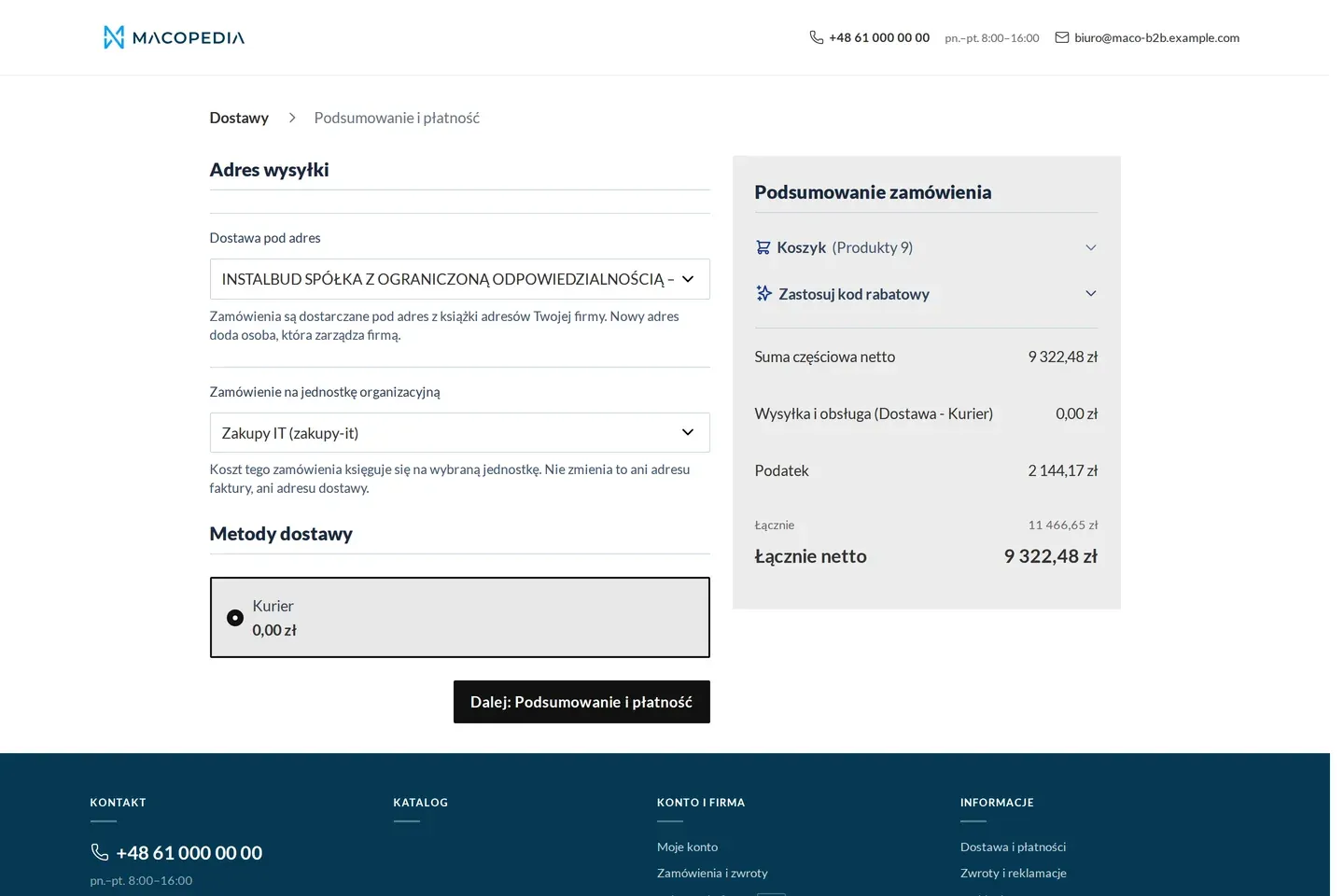
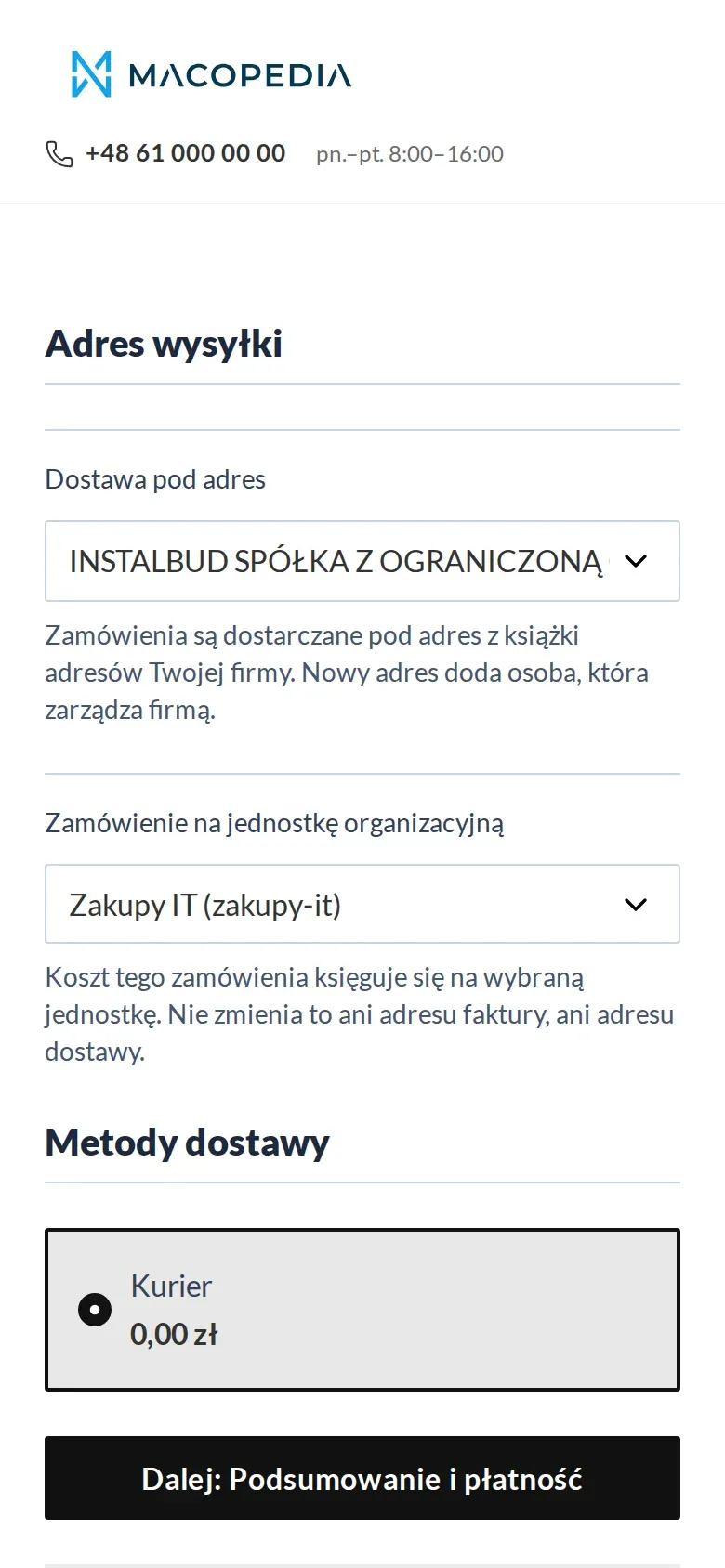
Checkout: delivery from the company address book and a choice of the buying unit 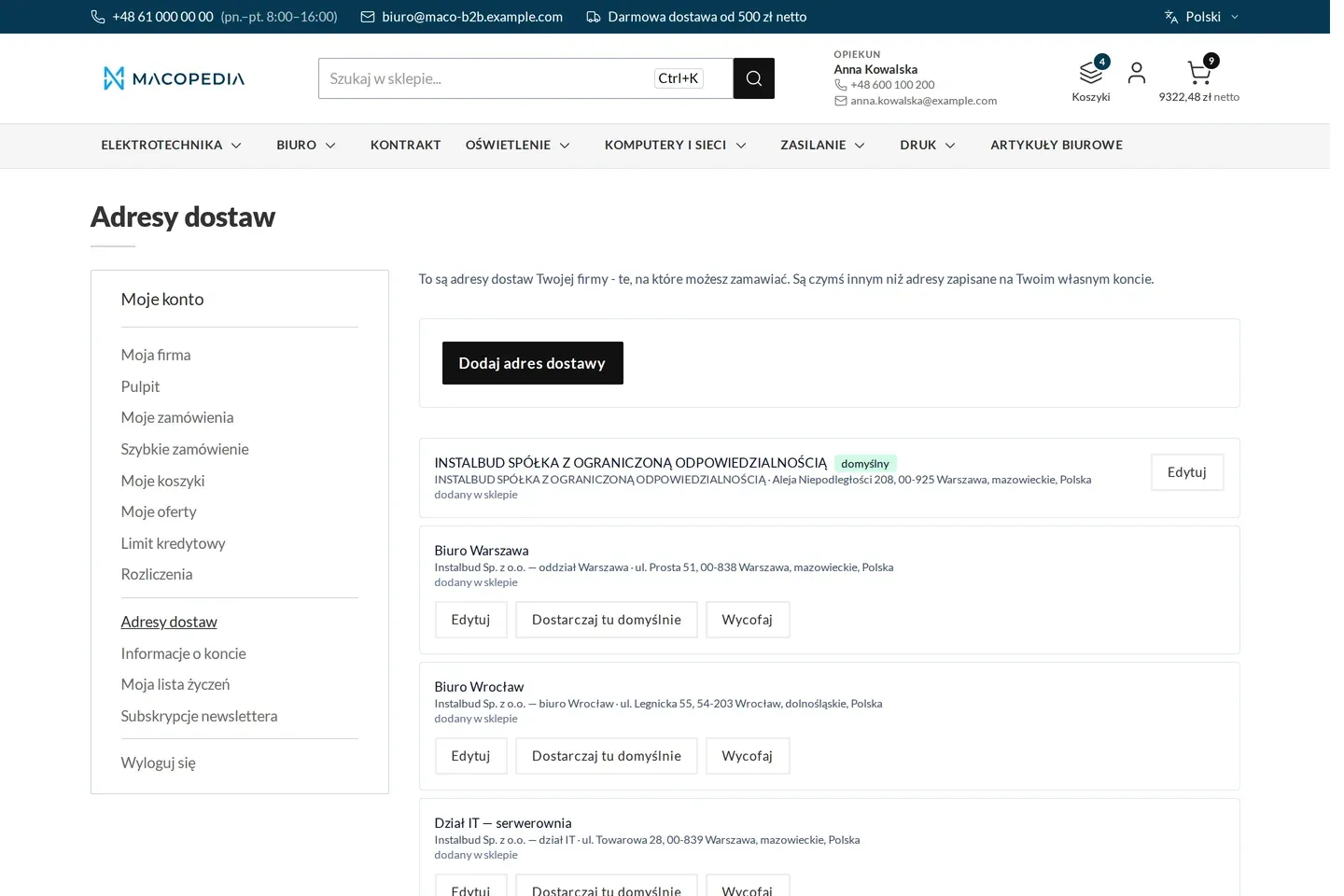
The company’s delivery address book with addresses assigned to units
01 / 02
Who uses it
Every role gets what it needs at work
Buyer
Knows the shipping cost before checkout, decides whether to wait for everything and tracks the shipment in one click. The calculator also works for a customer without a company account and for a guest.
Account manager
A cart the store cannot price, for example above the pallet limit, reaches them as a request for quote. No order is created with an arbitrary transport price.
Customer service
Has a tracking link on every shipped order, so the customer answers “where is the parcel” alone. For the second part of a prepaid order they agree the payment with the customer.
A worked example
Marek from Termo-Bud orders from Delta Hurt for a site
01 A cart with goods on a pallet
Marek adds pipes, fittings and two hot water tanks. The calculator for the site’s postcode shows the “pallet” class and the pallet carrier’s cost. There is no parcel locker on the list.
02 Part is waiting for delivery
One tank is “to order”. The cart asks whether to ship everything once complete, or what is available now and the rest separately, and shows both shipping amounts.
03 Two linked orders
Marek picks shipping now. Two orders are created with a link between them, each with its own shipping cost. The credit limit and the minimum order value are checked for the whole.
04 Shipment on its way
The next day the ERP records the carrier and the consignment number. Marek clicks the number in the shipping e-mail and sees the shipment on the carrier’s page.
For the IT team
Where the data comes from and how to integrate it
Transport class and shipping weight are product attributes fed from the ERP through Maconnector, written idempotently, also in batches. Rates, zones, class thresholds and the calculator are available in the REST API.
The carrier and consignment number the ERP writes through the native shipment REST API, and the store matches them to a carrier dictionary with a tracking URL pattern, including UPS, DHL, InPost, DSV, Raben and GLS.
On a split the ERP gets two orders with a link and a split event. Official carrier modules carry on, filtered by the cart’s class, and the calculator and the split choice are Hyvä components.
FAQ
Questions: b2b shipping
What if the order is too large for the store’s rates?
Can I have different shipping methods for selected customers?
How is this different from shipping in Adobe Commerce B2B?
We will show you this on your company’s data
The demo runs on a scenario from your sales: your customers, your price lists, your ERP. After an hour you know what you get at once and what we set up in the rollout.