The customer orders in cartons, and the ERP gets pieces
Maco B2B lets customers order in cartons, layers and pallets, with the conversion factor and EAN from the ERP. Selling, price, invoice and warehouse stay in the base unit, so nothing drifts apart. The buyer sees “2 cartons + 3 pcs”, the ERP sees 27 pieces.
Why it exists
The customer thinks in cartons, the store knows only pieces
Magento has no units of measure. A buyer who wants 3 pallets converts them to pieces alone and a moment later cannot remember whether 144 pieces are full cartons. The store does not know the conversion factor, the packaging EAN or its dimensions.
The workaround of a separate “carton” code means a second stock level and a second price to watch. The store and the ERP start to differ at the first price list change.
Units of measure
What it does in the store
The base unit as in the ERP
Every item sells in its unit from the ERP: pieces, kilograms, metres or m². The cart, order, invoice and warehouse all see the same number.
Carton, layer, pallet
Packaging comes from a dictionary that can be extended in the panel. Each has a conversion factor, EAN, dimensions and optionally a weight from the ERP.
A unit picker on the page and the list
The buyer picks the packaging at the quantity field, on the product page and on the product list. They see the price per pack and per piece, e.g. “PLN 71.94 / carton · PLN 11.99 / pc”.
A line breakdown in the cart
One line per product, whatever the unit: “2 cartons + 3 pcs = 27 pcs”. Adding again in another unit grows the same line.
Packs only, or a hint
Per product: selling only in full packs, or any quantity with the hint “5 pcs (5/6 of a carton)”. When sold in packs the ordering multiple follows straight from the pack.
A packaging table on the product page
Unit, pieces, EAN, dimensions and weight of every pack in one place. The carton weight also feeds the shipping cost calculation.
What it looks like in the store
Units of measure on the demo store’s screens
Real screens, not mockups. The demo store runs in Polish; a rollout ships in your store’s languages. Click a row, and where there is a phone capture switch the view or zoom in.
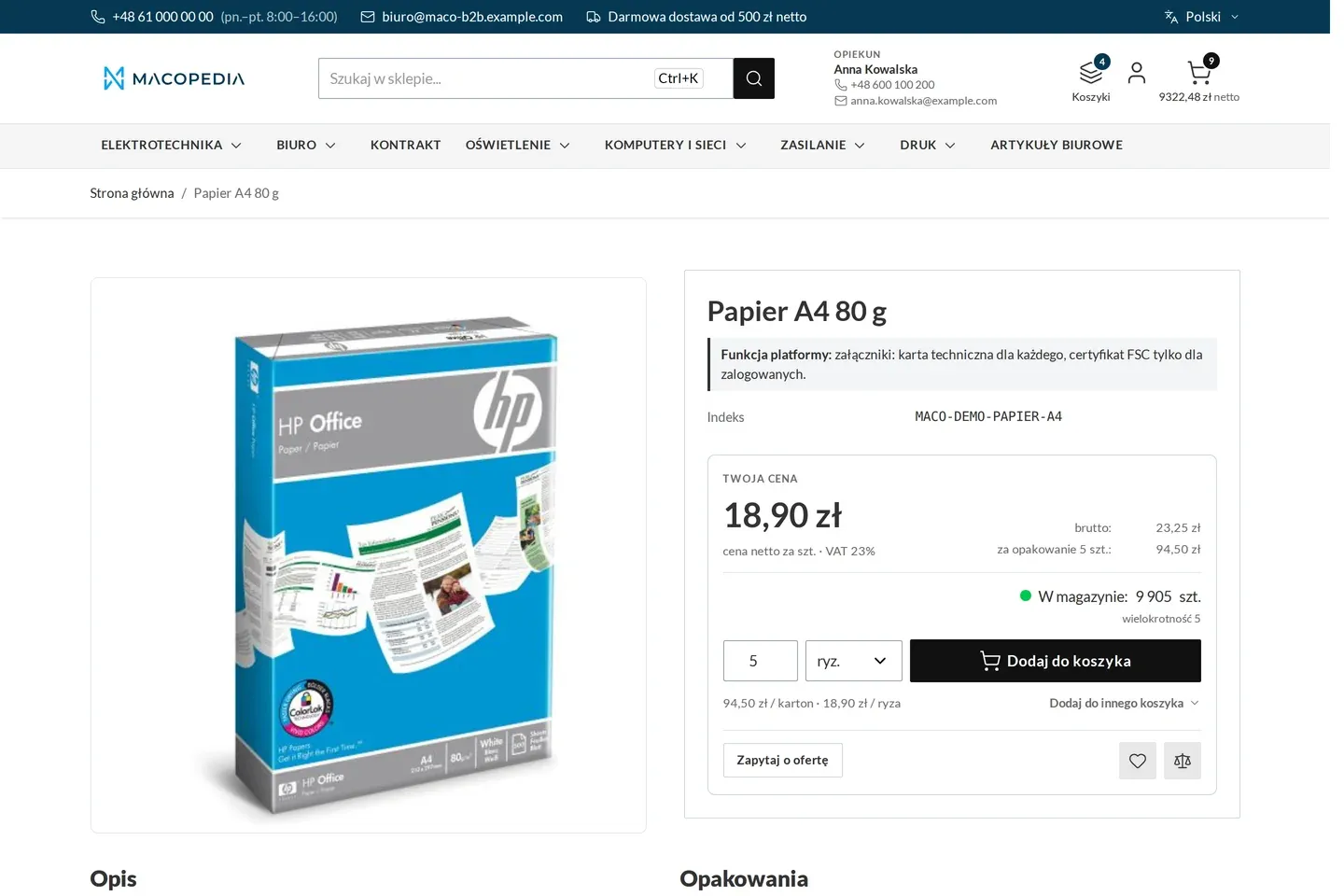
Product page of an item sold in reams, cartons and pallets, with a unit converter 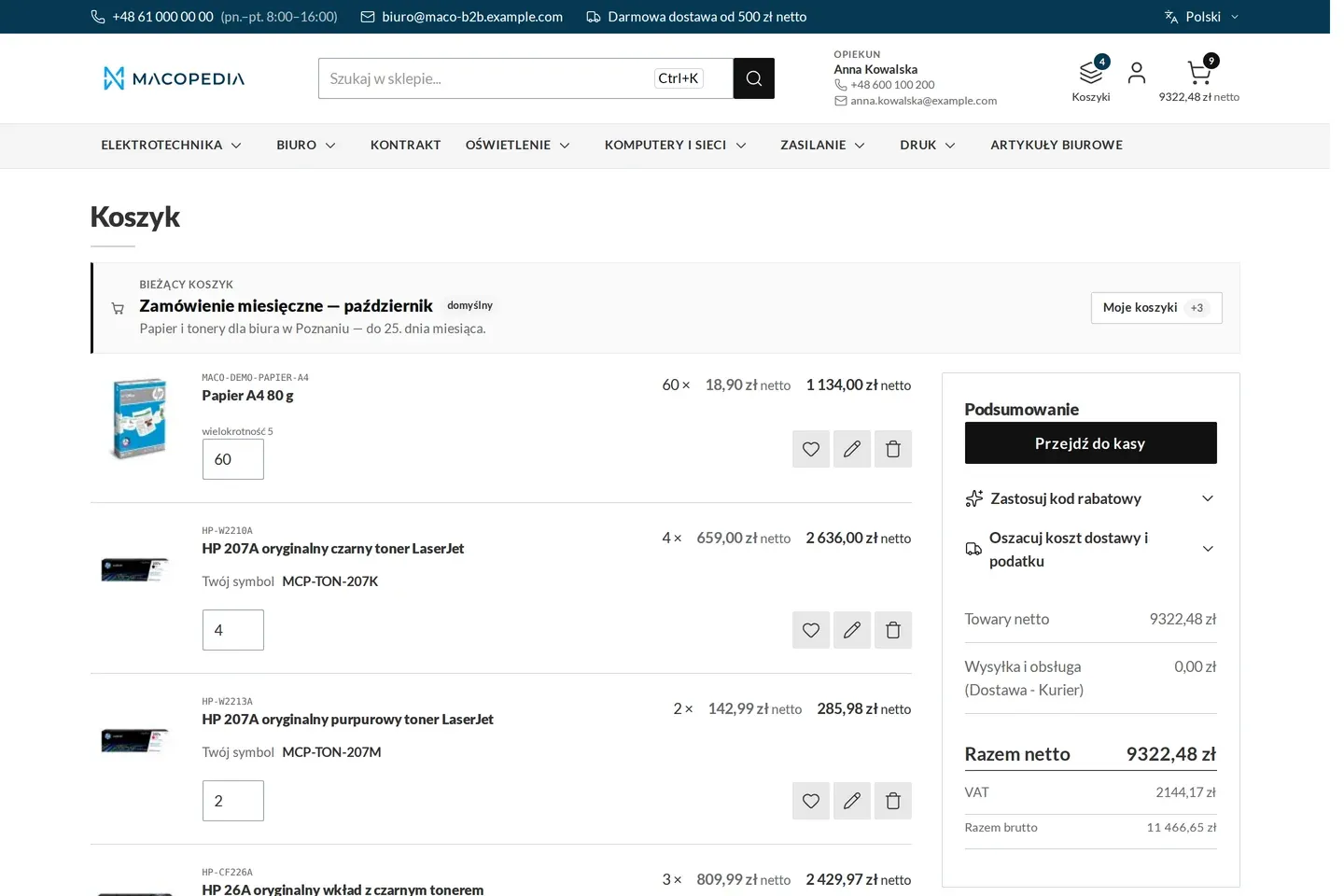
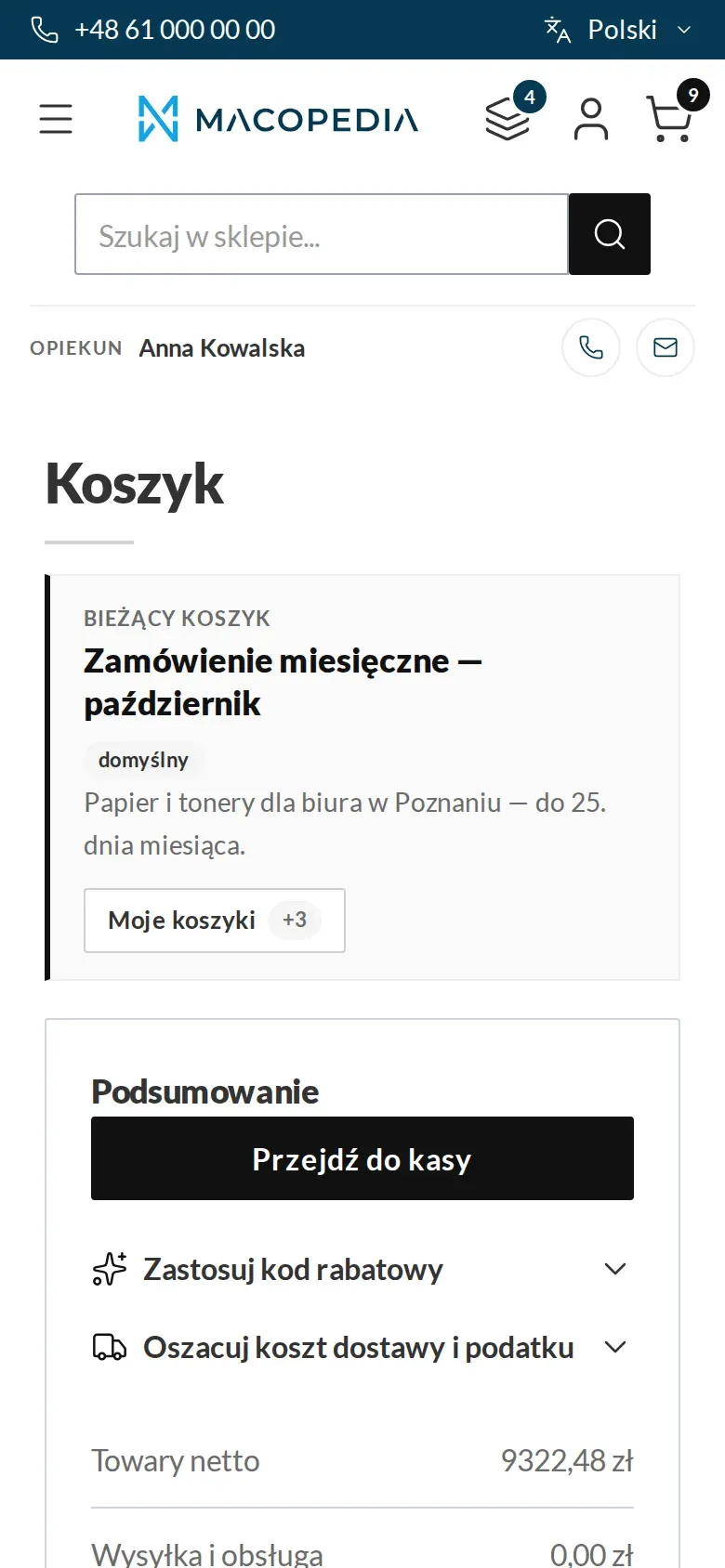
Cart with the current cart’s name and a net and gross summary
01 / 02
Who uses it
Every role gets what it needs at work
Buyer
Orders the way they think: in cartons and pallets. Sees how many pieces that is and how many are missing to a full carton.
Account manager
When placing an order for a customer in the panel, adds products in the base unit and picks the pack in the item grid. The line breakdown is the same as in the store.
Customer service
Gets orders in full packs and in the ERP unit, with no converting over the phone. Sets the packaging dictionary and where it is visible in the panel.
A worked example
Fittings in cartons of 12 at Delta Hurt
01 Data from the ERP
The fitting has the base unit “piece” in the ERP, a carton of 12 and a pallet of 60 cartons, each with its own EAN. Maconnector carries them to the store.
02 An order in cartons
Marek from Termo-Bud picks “carton” on the product page, types 3 and sees “= 36 pcs” plus the price per carton and per piece.
03 A loose top-up
From the product list he adds 4 loose pieces. The cart has one line: “3 cartons + 4 pcs = 40 pcs”.
04 One number for everyone
The order, the invoice and the ERP see 40 pieces. The breakdown into cartons stays as information in the store.
For the IT team
Where the data comes from and how to integrate it
Auxiliary units, conversion factors, EANs, dimensions and weights come from the ERP through Maconnector, idempotently by SKU, also in batches. The import overwrites physical data, and presentation settings stay as set in the panel.
A quantity typed in packs is converted to the base unit before it reaches the cart, and the unit is saved on the line. Packaging and the line unit are visible in the native product and cart REST API routes.
The unit picker and the cart breakdown are Hyvä components.
FAQ
Questions: units of measure
Can a carton be cheaper than pieces bought loose?
What goes on the invoice and to the ERP?
Can tiles be sold by the m² and ordered in cartons?
Does Adobe Commerce B2B have units of measure?
We will show you this on your company’s data
The demo runs on a scenario from your sales: your customers, your price lists, your ERP. After an hour you know what you get at once and what we set up in the rollout.