Every customer sees their own price, and only their own
The price agreed with a customer comes live from the Price Engine or from your own pricing system. Beneath it work customer-group prices and the base price. The store also watches who may see a price at all, and gives it away through no side channel.
Why it exists
Magento knows group prices, and you agree with each customer separately
Plain Magento differentiates prices down to the customer group and tier quantities. A discount negotiated with one installer therefore has to be squeezed into a separate group, and with a few hundred customers there are as many groups as customers. Sales reps then go back to price lists in spreadsheets and to confirming prices by e-mail.
The second trouble is hiding prices. Hiding the amount in the page template is not enough: the price leaks through the price filter, the sitemap, a product feed or an e-mail.
Contract pricing
What it does in the store
The customer price, live
The price agreed with the company comes from the Price Engine or from an API on your side. The store does not recalculate it, only shows and applies it.
Three price levels
First the customer price, then the price of their group, finally the base price. Every product gets its price from the first level that knows one. In the cart the customer price gives way to a lower quantity tier of the group.
Group prices without loading the store
Prices shared by a customer group run on native Magento rules. Listing, filters and sorting work fast, and the individual price loads after the page.
A rule decides who sees a price
A price can be hidden from guests, from a group or from a specific company, across the whole catalogue, a category or a single product. In place of the price appears “sign in” or “ask for a price”.
A hidden price does not leak
The same rule governs the page, the REST API, e-mails, export files and search engine data. A price hidden from guests or a group leaves the server in no form. When a price is hidden from one company, its employee may briefly see their group’s price before the page swaps it for the message.
The current price until placement
The cart calculates the price afresh at every recalculation. The order is created at the price in force the moment it is placed.
What it looks like in the store
Contract pricing on the demo store’s screens
Real screens, not mockups. The demo store runs in Polish; a rollout ships in your store’s languages. Click a row, and where there is a phone capture switch the view or zoom in.
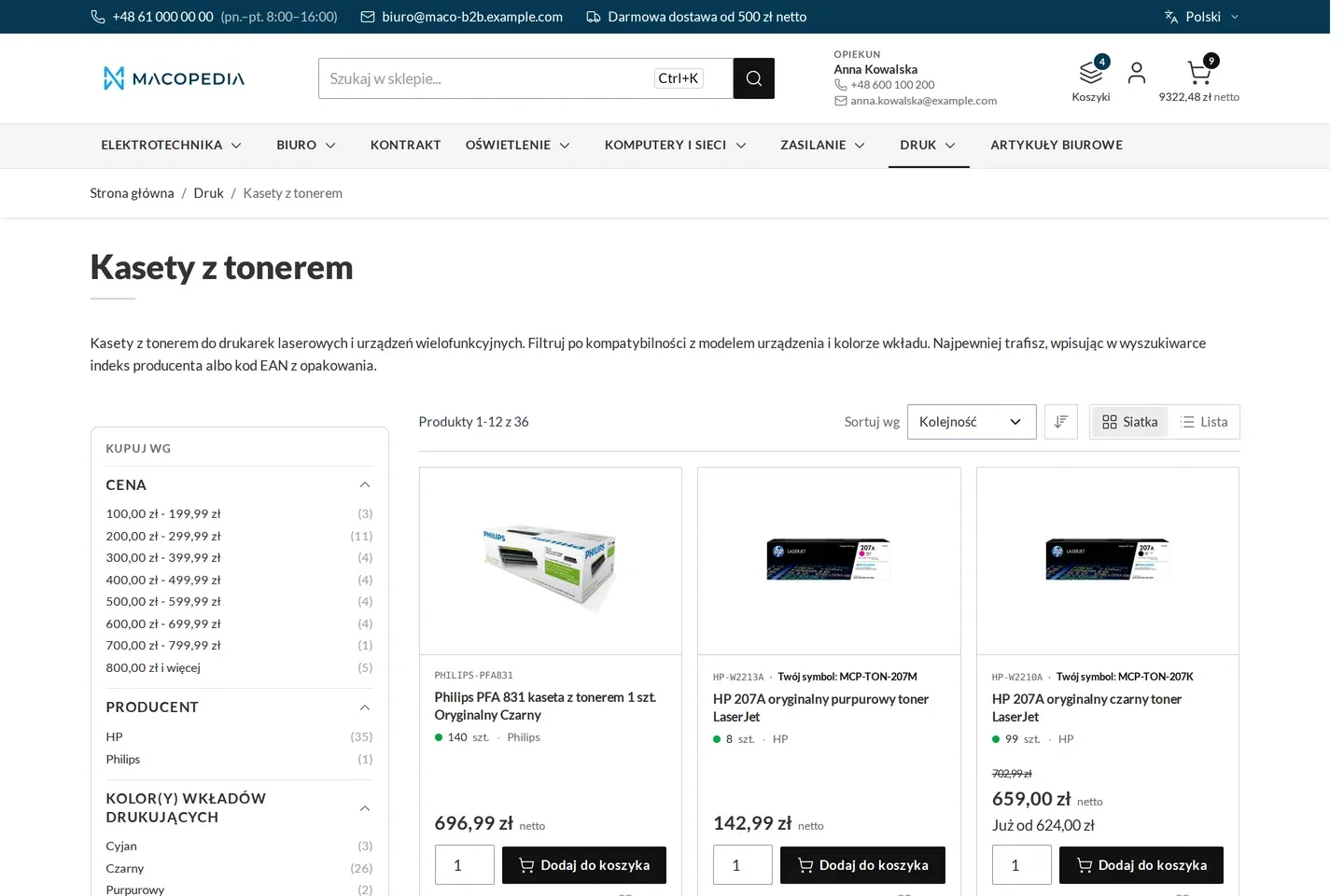
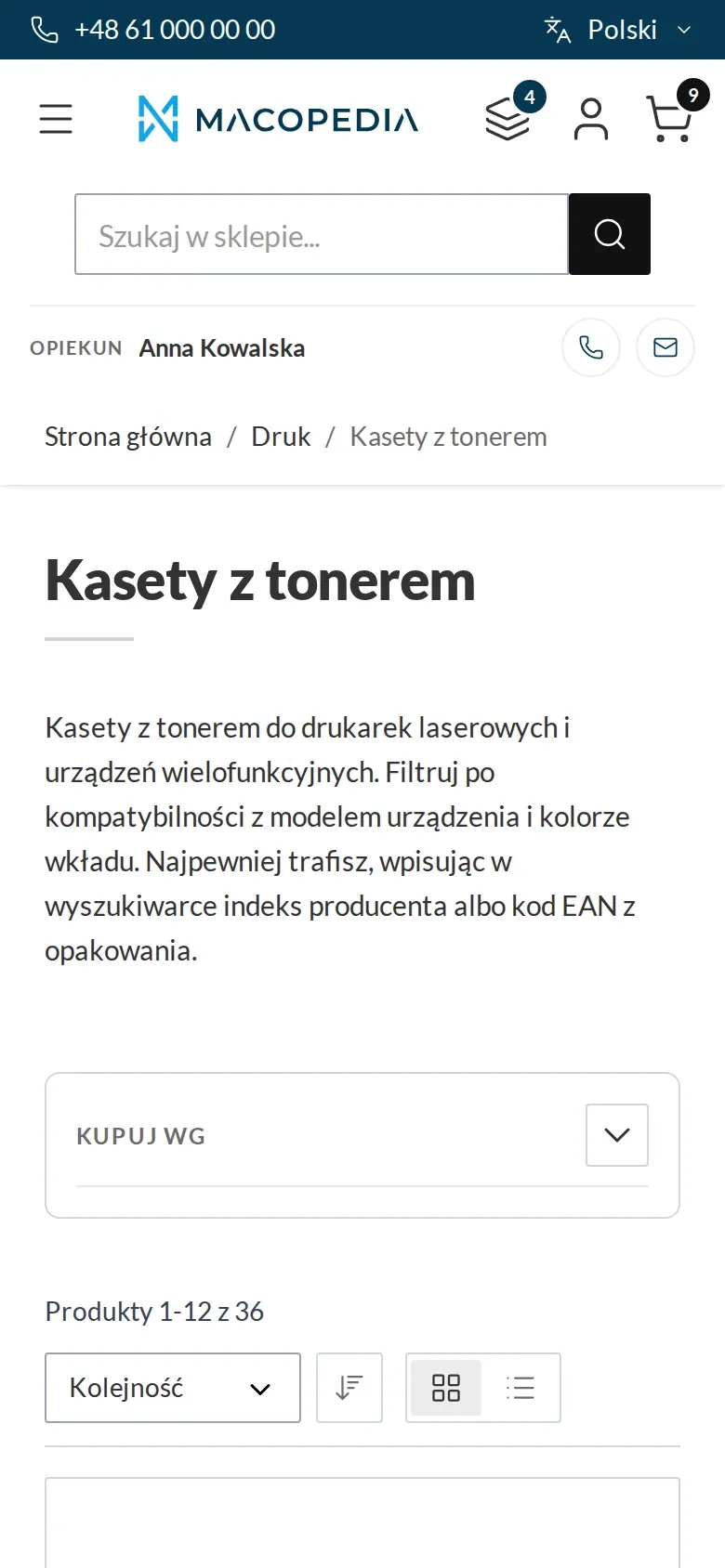
Product list in a category with the buyer’s company price and their own product code 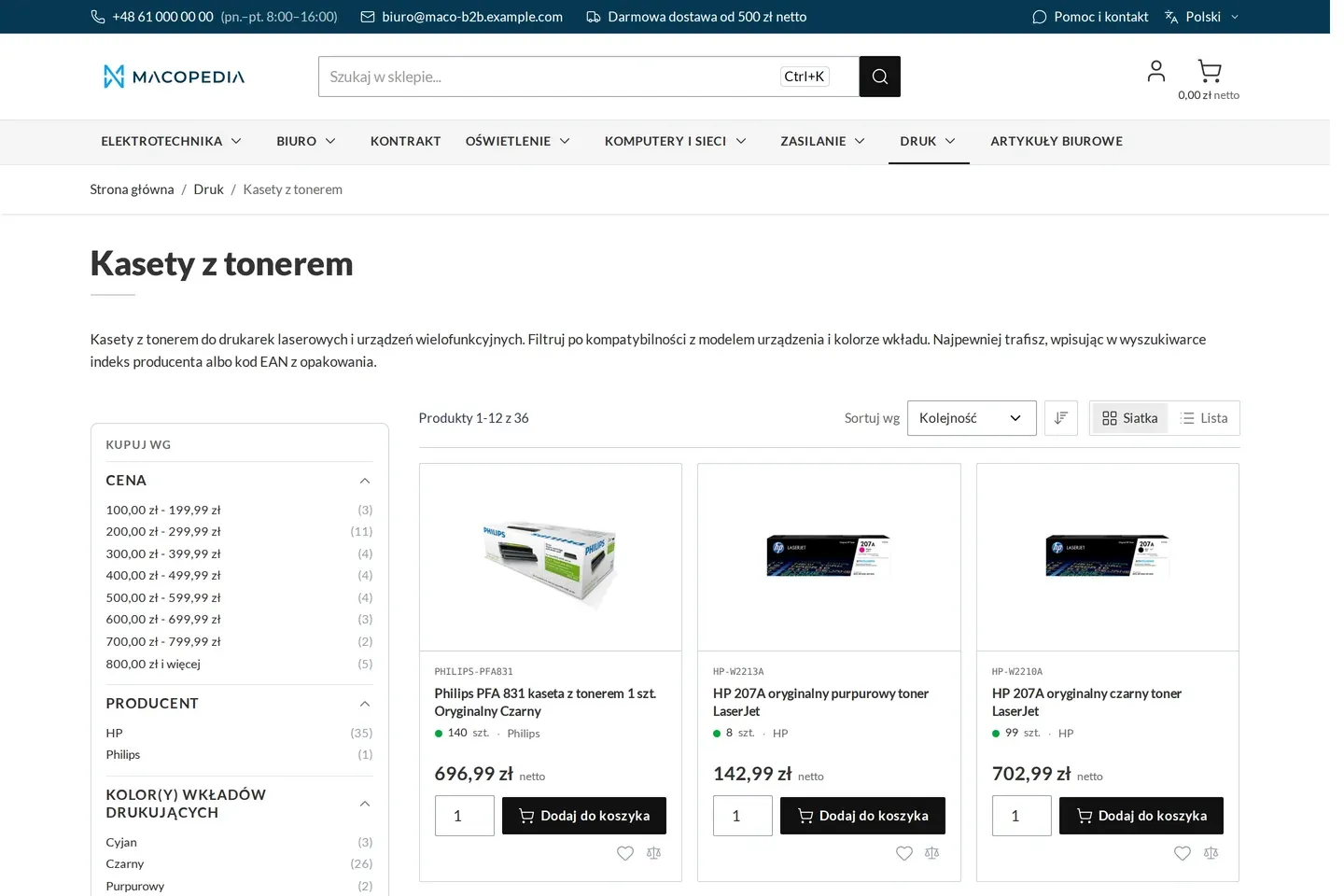
The same category seen by a guest: list prices, no company prices 
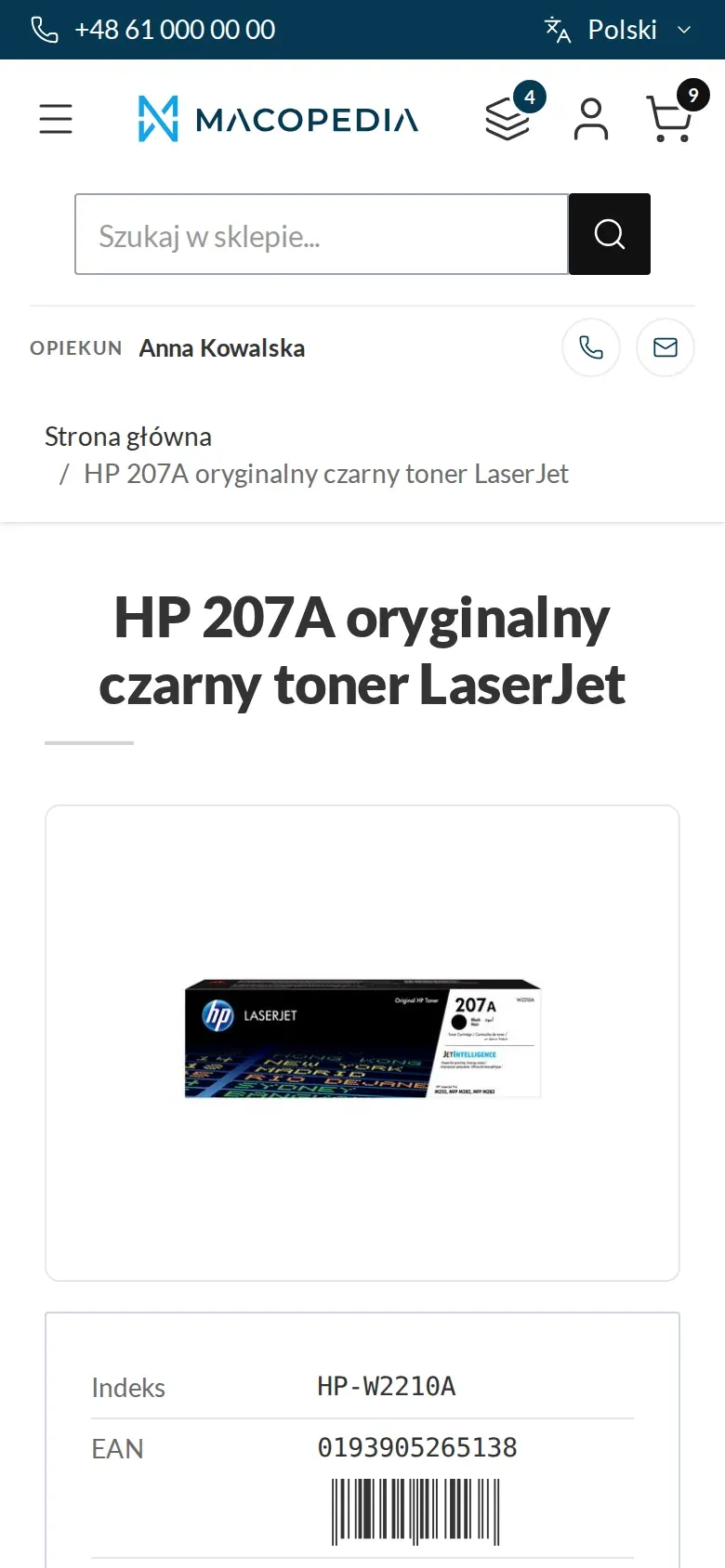
Product page with the company price, tier prices and the buyer’s own product code 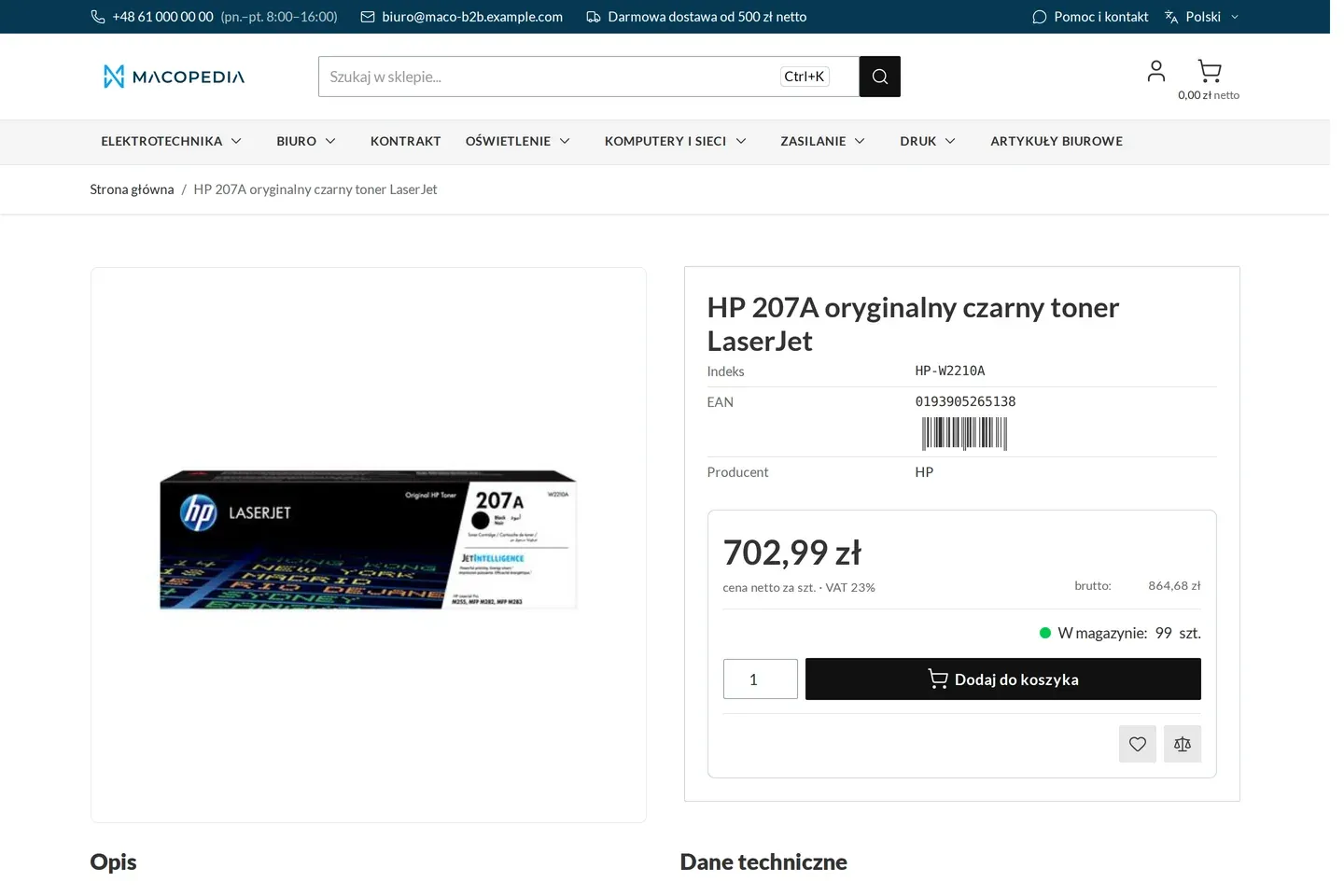
Product page seen by a guest, with the list price 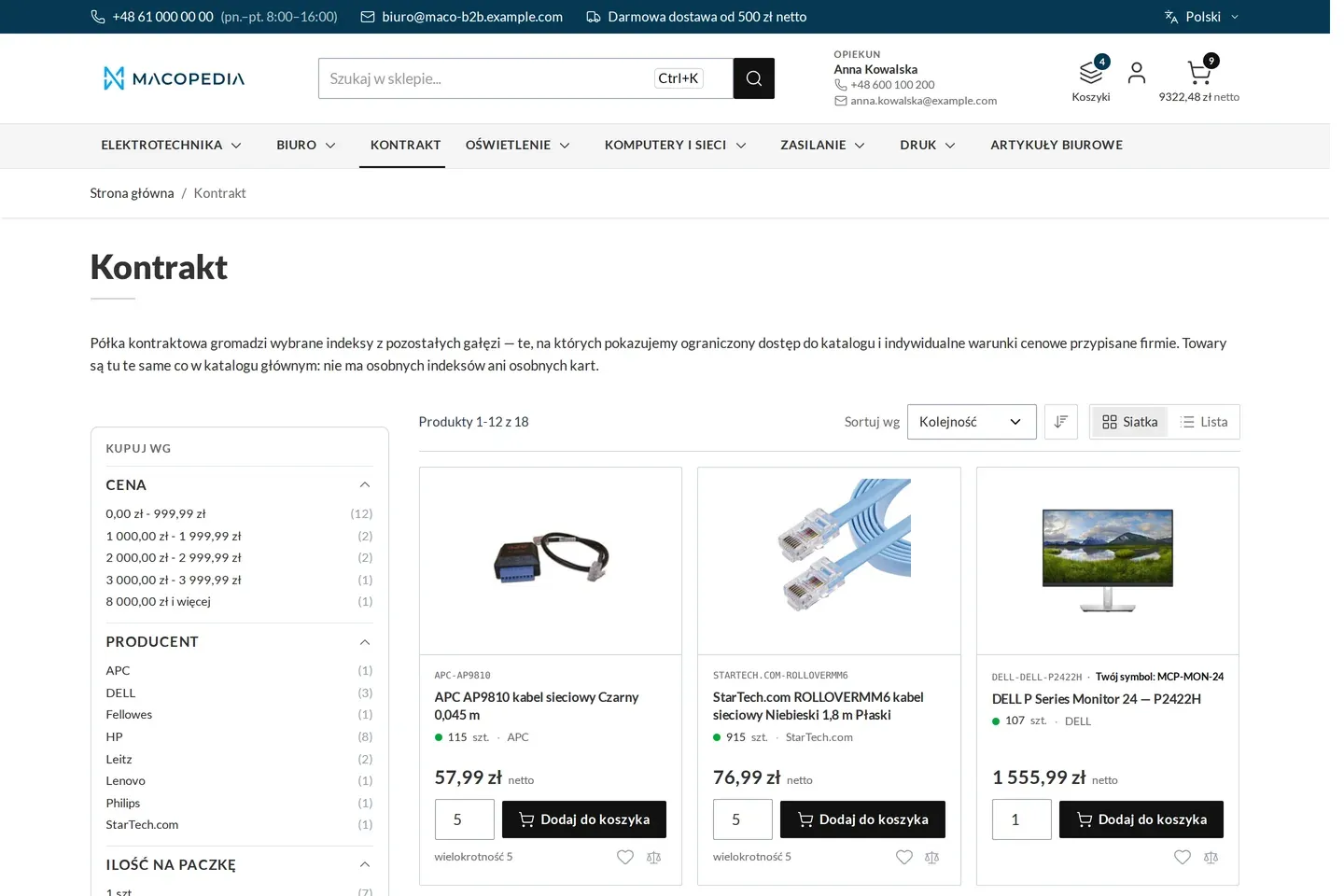
Contract shelf with the prices agreed for the company 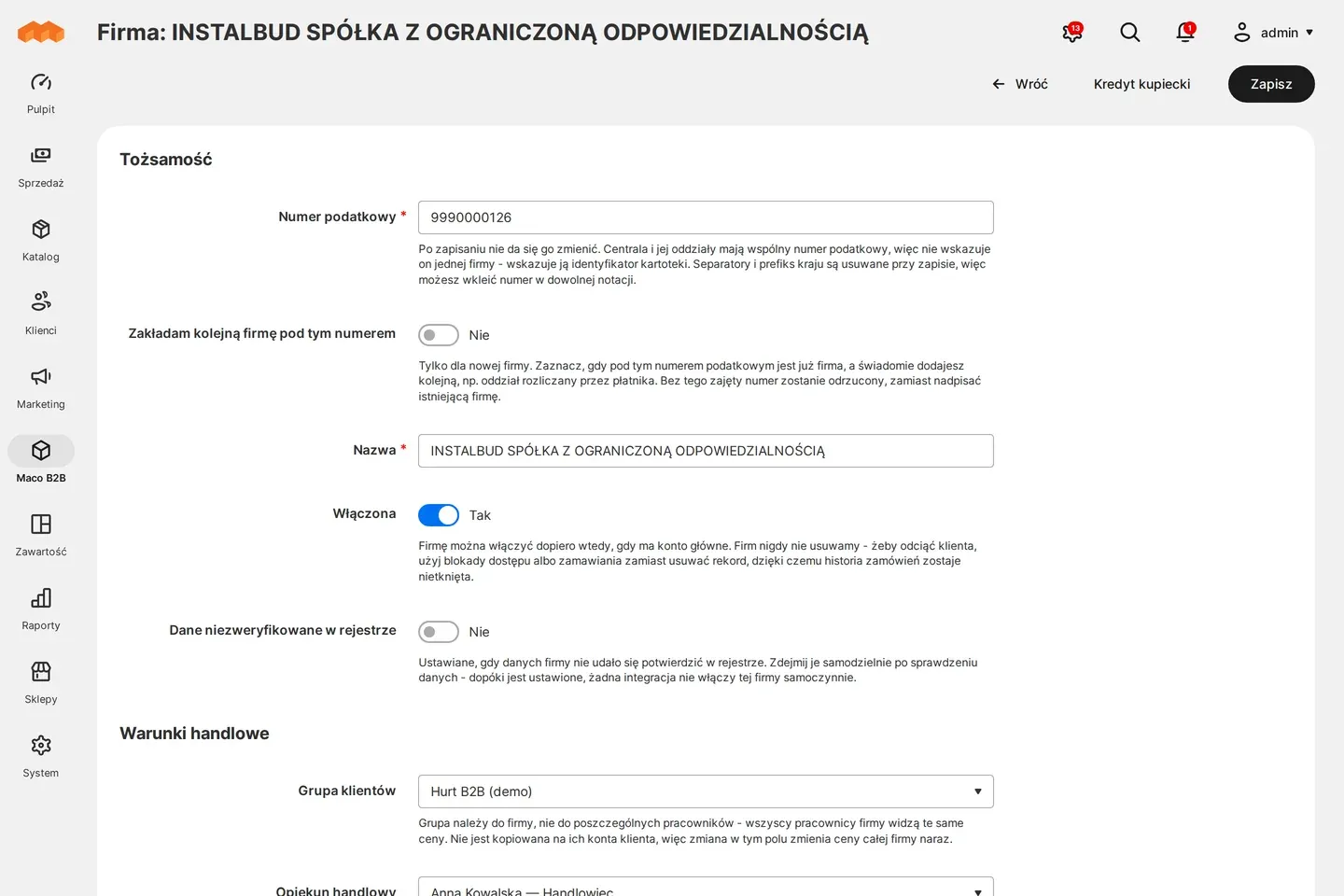
Admin panel: company record with commercial terms
01 / 06
Who uses it
Every role gets what it needs at work
Buyer
After signing in sees the company’s price on the product page, the list and in the cart, without asking the account manager.
Account manager
Sees the customer’s individual price on their order and quote, so does not check it in a separate system.
Customer service
When placing an order for a customer in the panel gets the same price the customer sees in the store. One rule governs all channels.
A worked example
Delta Hurt and a discount for one installer
01 Anna sets the price
Account manager Anna agrees a lower price on one brand of radiators with Termo-Bud. The entry goes into the Price Engine.
02 Marek sees his price
Marek from Termo-Bud signs in and sees his company’s price on the radiator list. The other products show the price of the “Installers” group.
03 A guest sees “sign in”
Delta Hurt hides prices from visitors who are not signed in. A guest sees the catalogue and descriptions, and in place of the price an invitation to sign in.
04 An order at the current price
Marek places the order a week after adding the product to the cart. The order is created at the price of the day it is placed.
For the IT team
Where the data comes from and how to integrate it
The source of the customer price is replaceable: the store queries it over HTTP under the published bulk query contract, and your pricing system answers. The ERP loads group prices through Magento’s native REST API for group prices, and customer service sets percentage catalogue rules in the admin panel.
When the price source does not answer, the store does not fall back to the base price: the product has no price and buying is inactive until there is an answer. Guest and group prices carry on.
The price in force for a customer, also in the product read, and the price visibility rules are available in the REST API. The price slot on the Hyvä storefront fills after the page loads, so a company does not multiply the catalogue cache.
FAQ
Questions: contract pricing
Do I need the Price Engine?
What happens when the price source stops answering?
Will the customer see a price change in the cart?
How is this different from price lists in Adobe Commerce B2B?
We will show you this on your company’s data
The demo runs on a scenario from your sales: your customers, your price lists, your ERP. After an hour you know what you get at once and what we set up in the rollout.