The same order again, with an honest report of what changed
The buyer clicks “Reorder” on an order in the history and gets a new cart with the same lines, at today’s prices. Beside it they see what went in, what is missing and where the price changed. They place the order only once they have checked it.
Why it exists
One withdrawn code blocks the whole repeat
In wholesale the same set is ordered every week or every month. Magento can repeat an order, but when one line out of fifty is unavailable the action disappears for the whole order. The older and larger the order, the more often that happens.
When the repeat succeeds, the buyer gets a list of messages from which it is hard to read what went in. They learn about a price change since last time from the invoice, which is a short road to a complaint.
Reorder
What it does in the store
The whole order in one click
The action sits in the order history and on the order view. Lines go into a new cart, and the order is placed with a separate click.
A report: what went in, what did not
Every line has a verdict: added, added with a corrected quantity, or skipped with a reason. The summary says how many lines out of how many were added.
Price changes stated plainly
Lines go in at today’s price, and the report shows where the price went up or down against the previous order.
Orders from outside the store too
An order taken by phone or by the account manager, which reached the history from the ERP, is repeated under the same rules.
A colleague’s order in your own cart
Whoever sees colleagues’ orders can repeat them. The cart is created on their side, within their spending threshold, and the author’s cart stays untouched.
Large orders in the background
Above 300 lines the repeat runs in the background, and the result waits in the account. Lines are split into further carts of 300.
What it looks like in the store
Reorder on the demo store’s screens
Real screens, not mockups. The demo store runs in Polish; a rollout ships in your store’s languages. Click a row, and where there is a phone capture switch the view or zoom in.
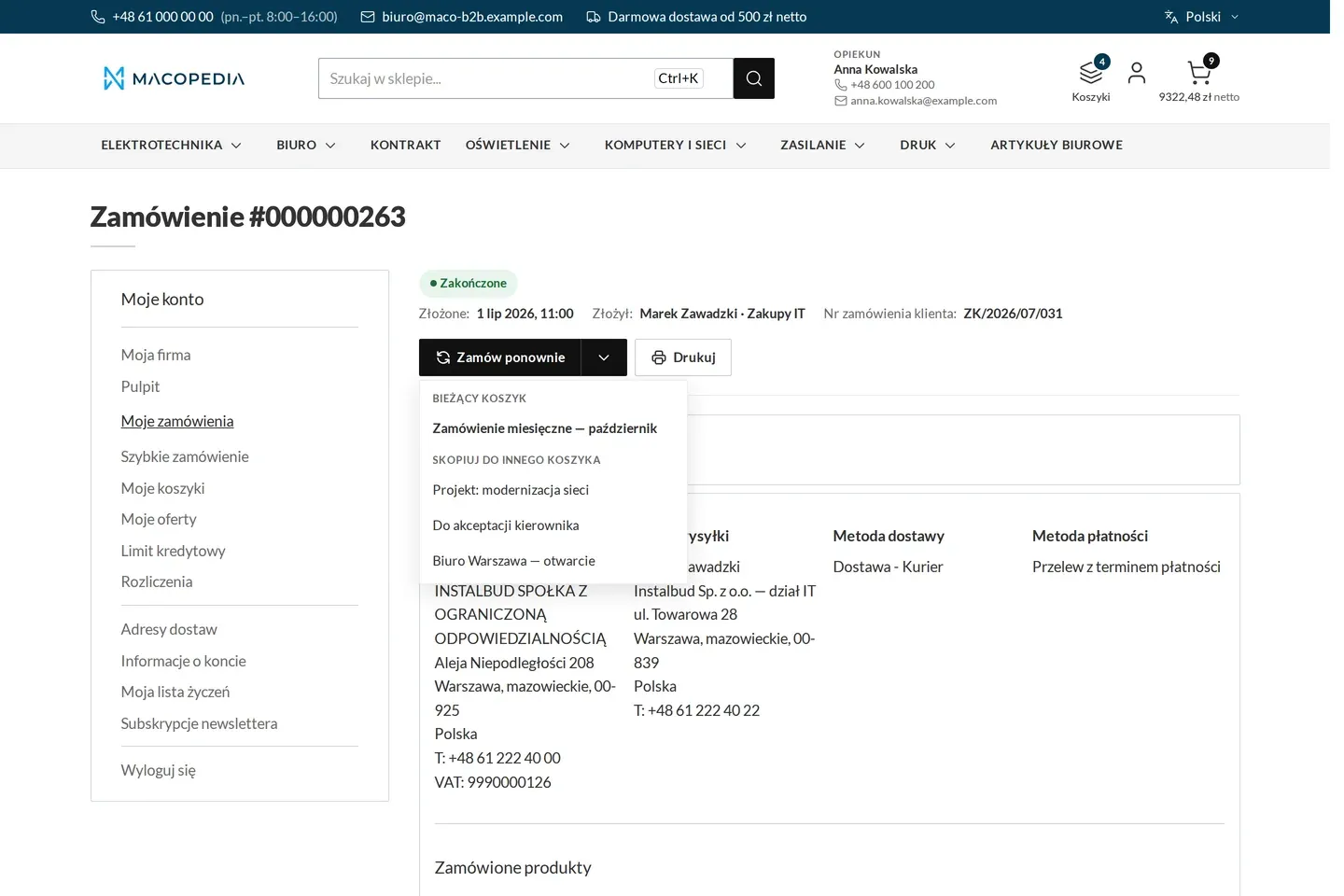
Reorder with a choice of target cart 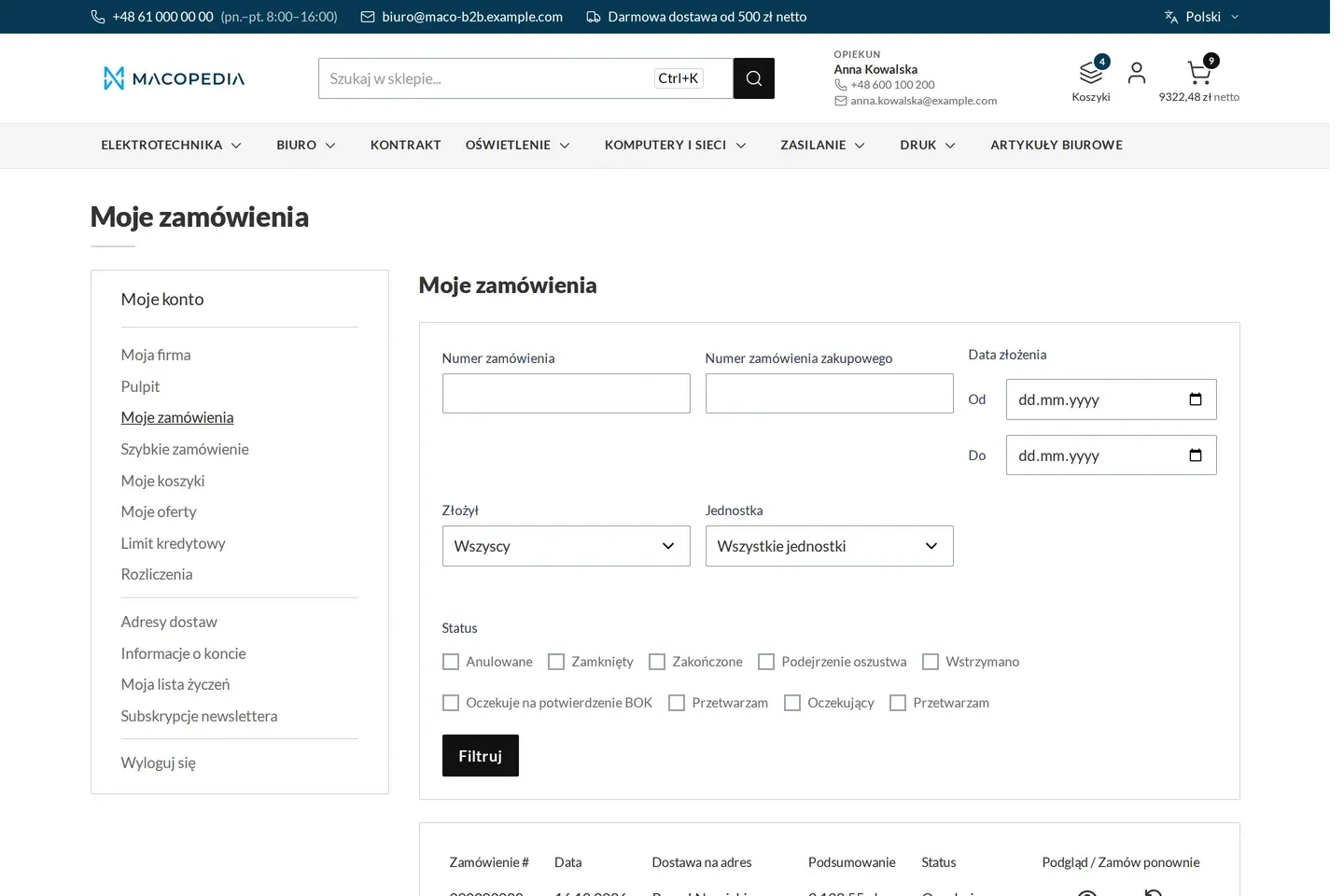
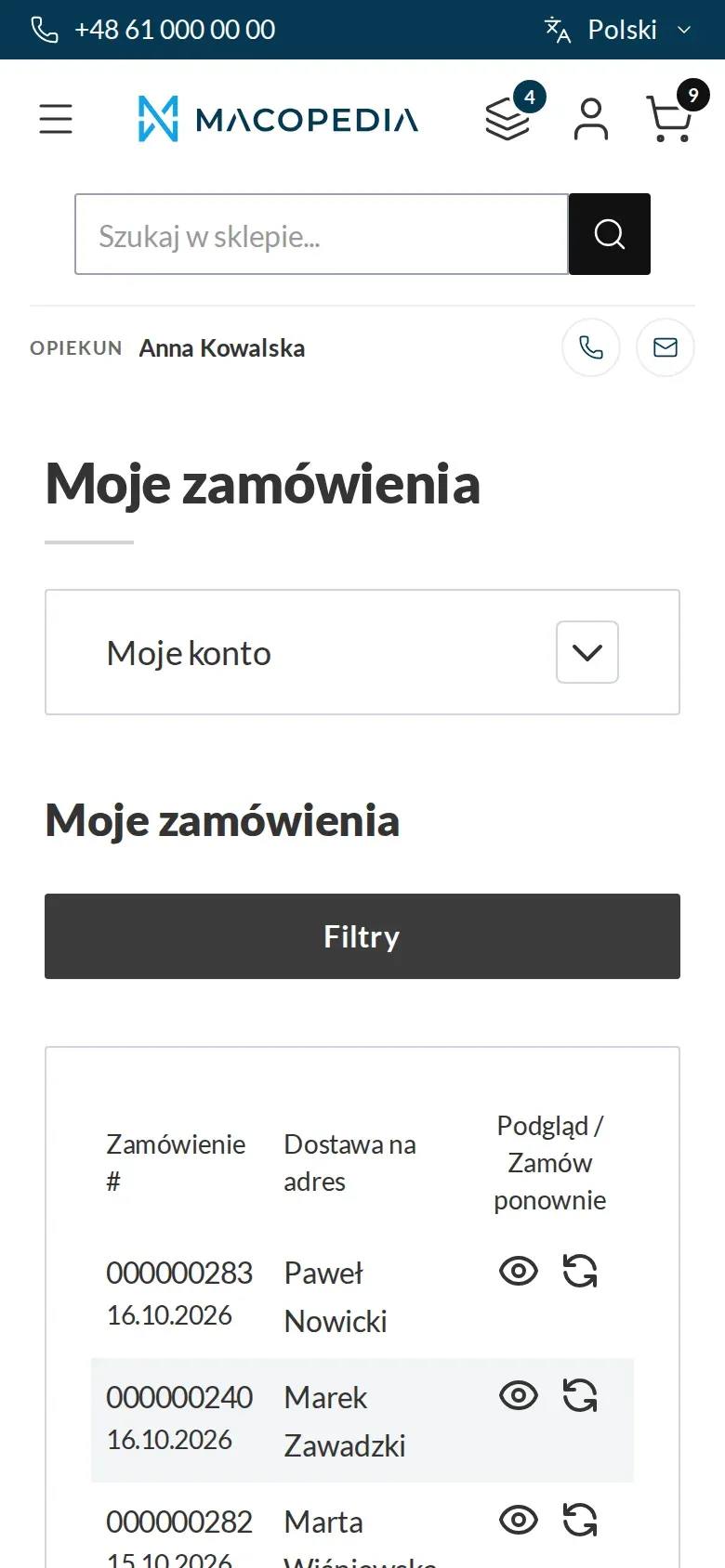
Company order history with filters by person and unit 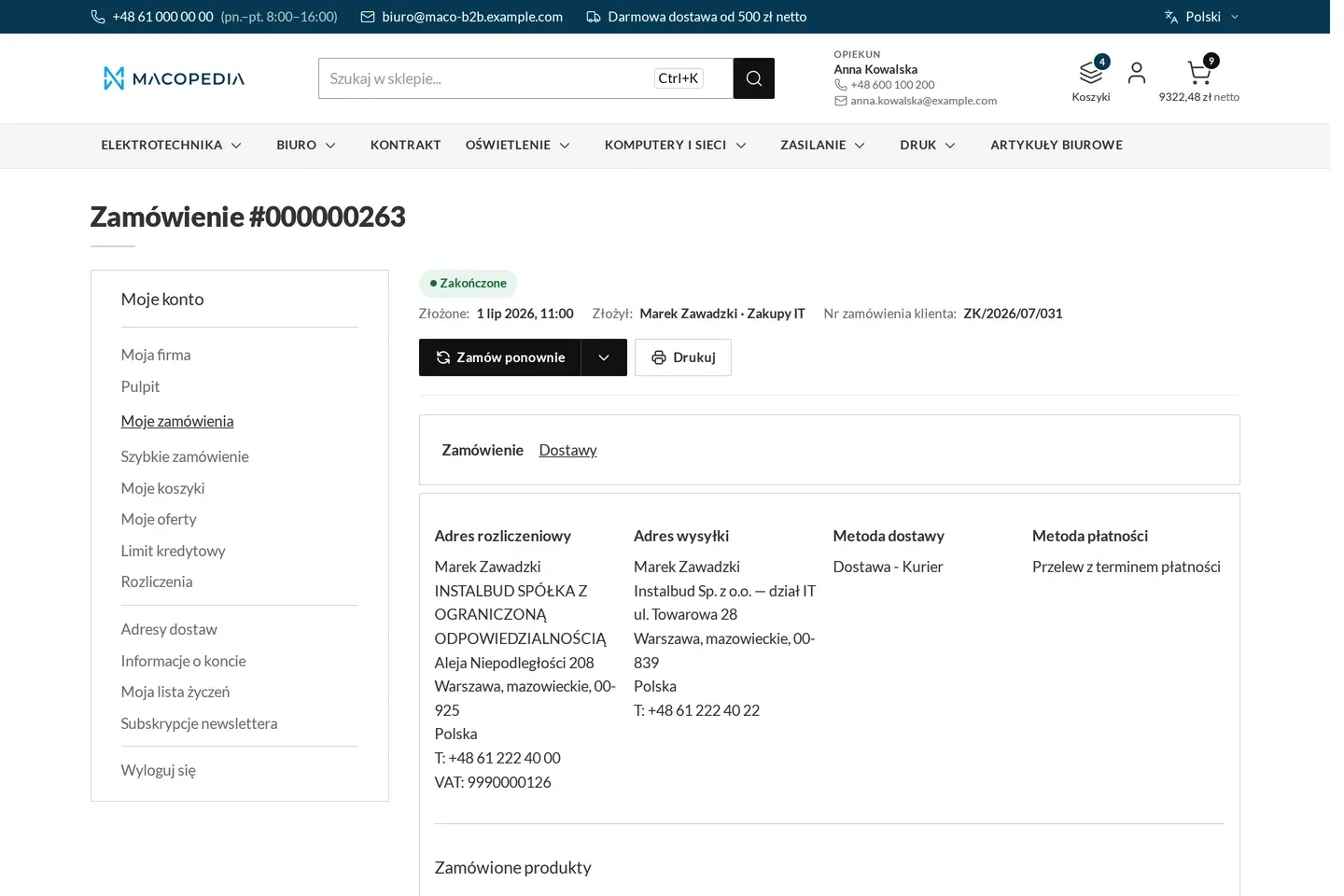
Order with who placed it, in which unit and under which customer number 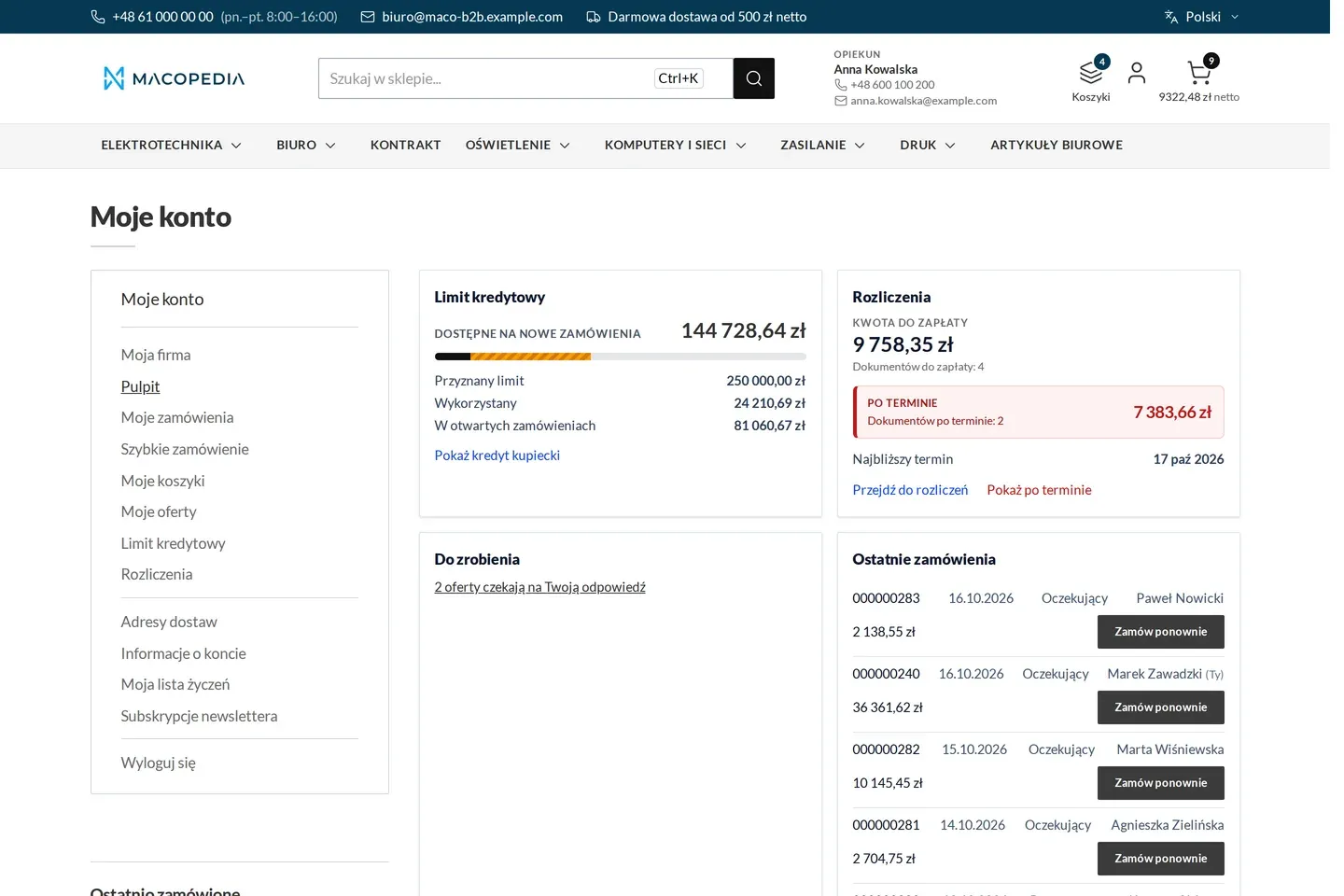
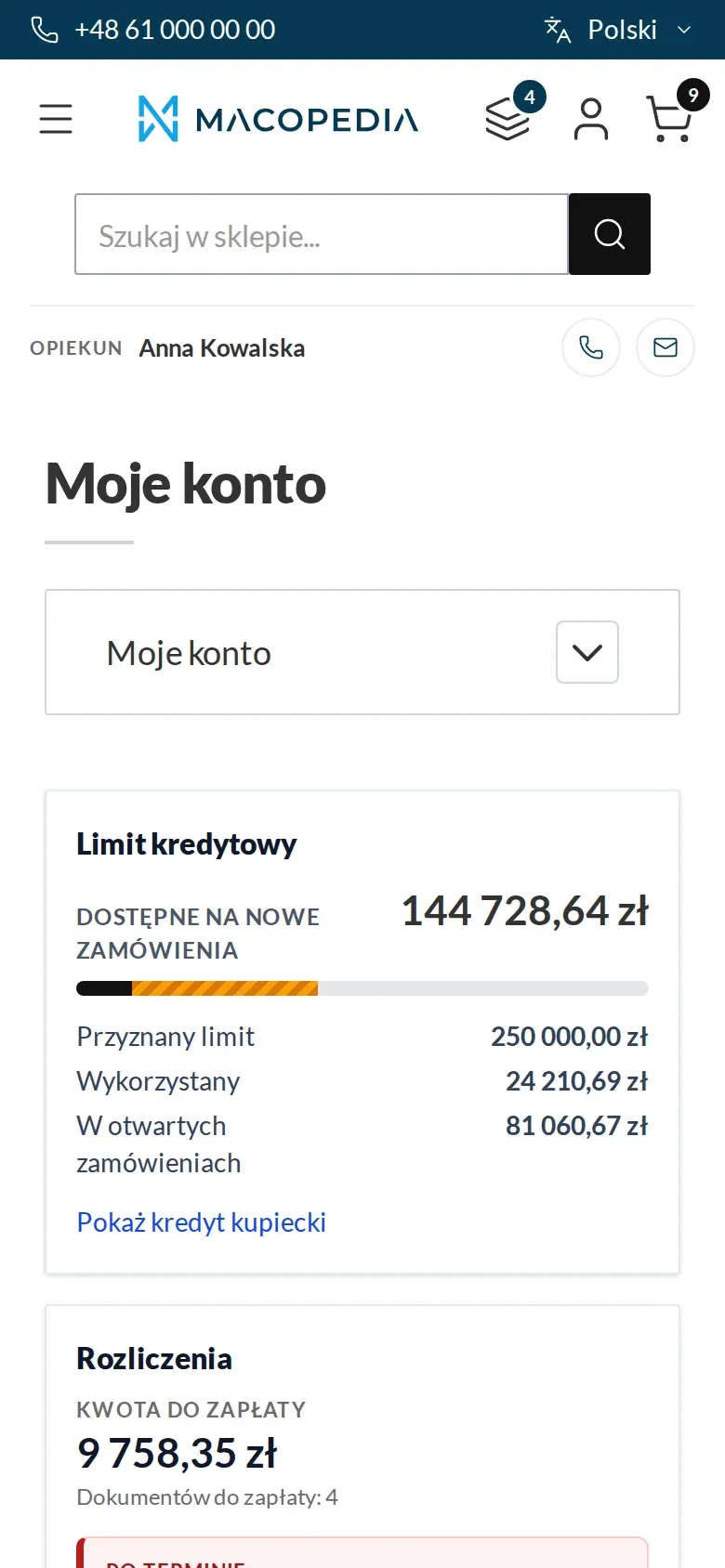
Buyer dashboard: credit limit, settlements with overdue items, tasks and recent orders
01 / 04
Who uses it
Every role gets what it needs at work
Buyer
Recreates a standing order in one click and sees at once what is missing and what got dearer. Corrects quantities in the cart before placing the order.
Company administrator
Can repeat the order of any employee whose orders they see, for example when the purchaser is on holiday. The cart and spending threshold are then their own.
Customer service
Orders taken by phone return to the customer as history they repeat themselves. There are fewer “why is the price different from last time” questions, because the difference shows before the order is placed.
A worked example
A monthly service order
01 A standing order
Every month Instal-Serwis orders the same 40 lines for boiler servicing from Delta Hurt. Marek placed the last order by phone with Anna, the account manager.
02 Reorder
Marek opens that order in his account history and clicks “Reorder”. A new cart is created with the number of the repeated order in its name.
03 Report
39 of 40 lines added. One valve was withdrawn from the range, the gaskets were raised to a full pack, and two products show a price increase in the report.
04 Decision in the cart
Marek adds a replacement valve from search, reduces one quantity and places the order.
For the IT team
Where the data comes from and how to integrate it
The module wraps Magento’s native reorder and adds no screens of its own. It hooks into the order history, the order view and the Hyvä cart.
Orders placed outside the store reach the history from the ERP through Maconnector and are repeatable when their lines point at a catalogue product. A line without such a reference appears in the report as not in the catalogue, and the rest goes to the cart.
Repeating in both modes, immediate and background, and reading the result are available in the REST API and call the same service as the store.
FAQ
Questions: reorder
Does a reorder place the order straight away?
At what price do the lines go in?
Can I repeat only some of the lines?
Does a reorder work when the company has an order block?
We will show you this on your company’s data
The demo runs on a scenario from your sales: your customers, your price lists, your ERP. After an hour you know what you get at once and what we set up in the rollout.