Screens
The store and the panel, area by area Pick an area and click a row. The buyer on the captures is the fictional company Instalbud, the seller is the demo store.
Store and catalogue13 Company account8 Ordering10 Quotes and negotiation5 Finance and settlements8 Seller panel7
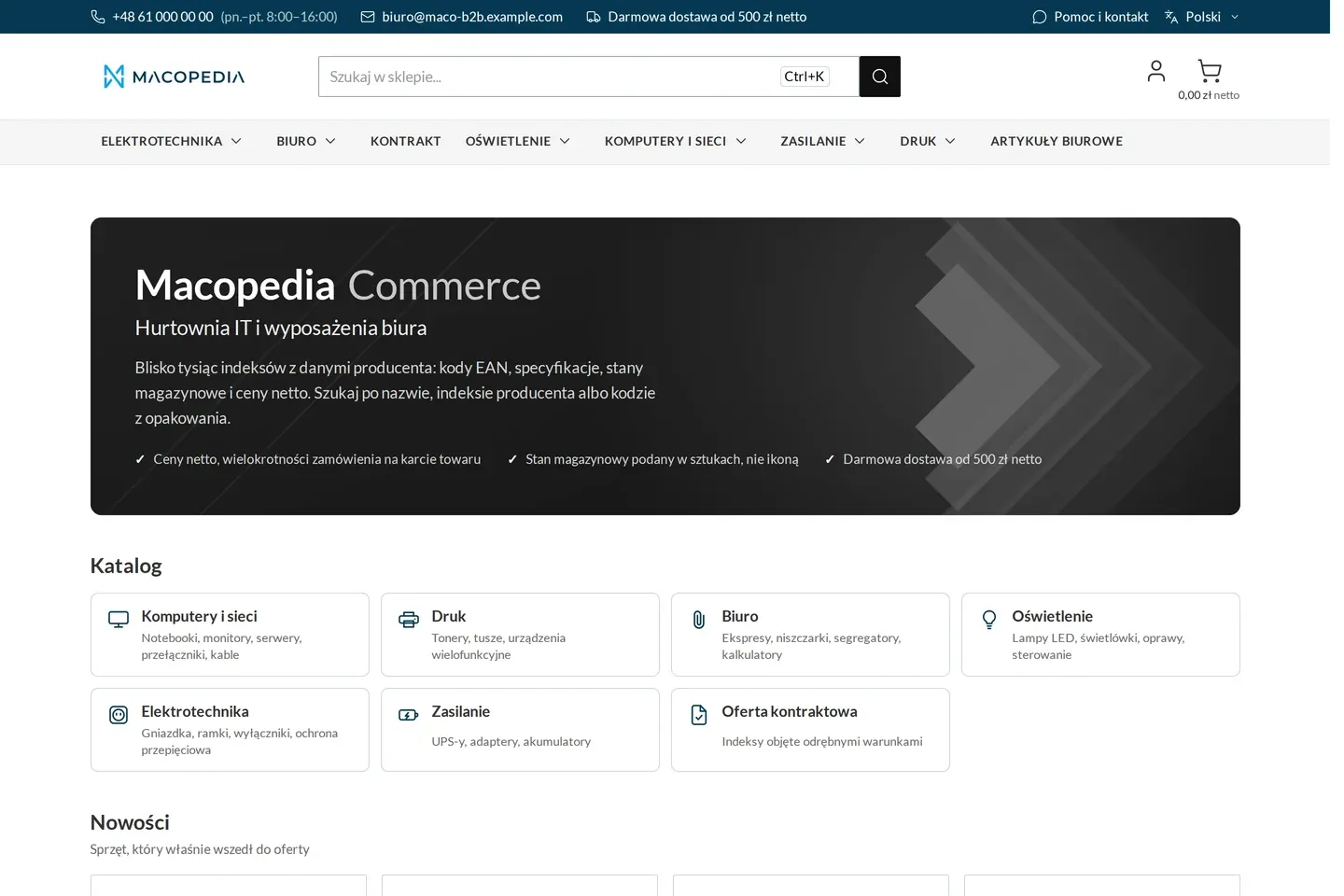
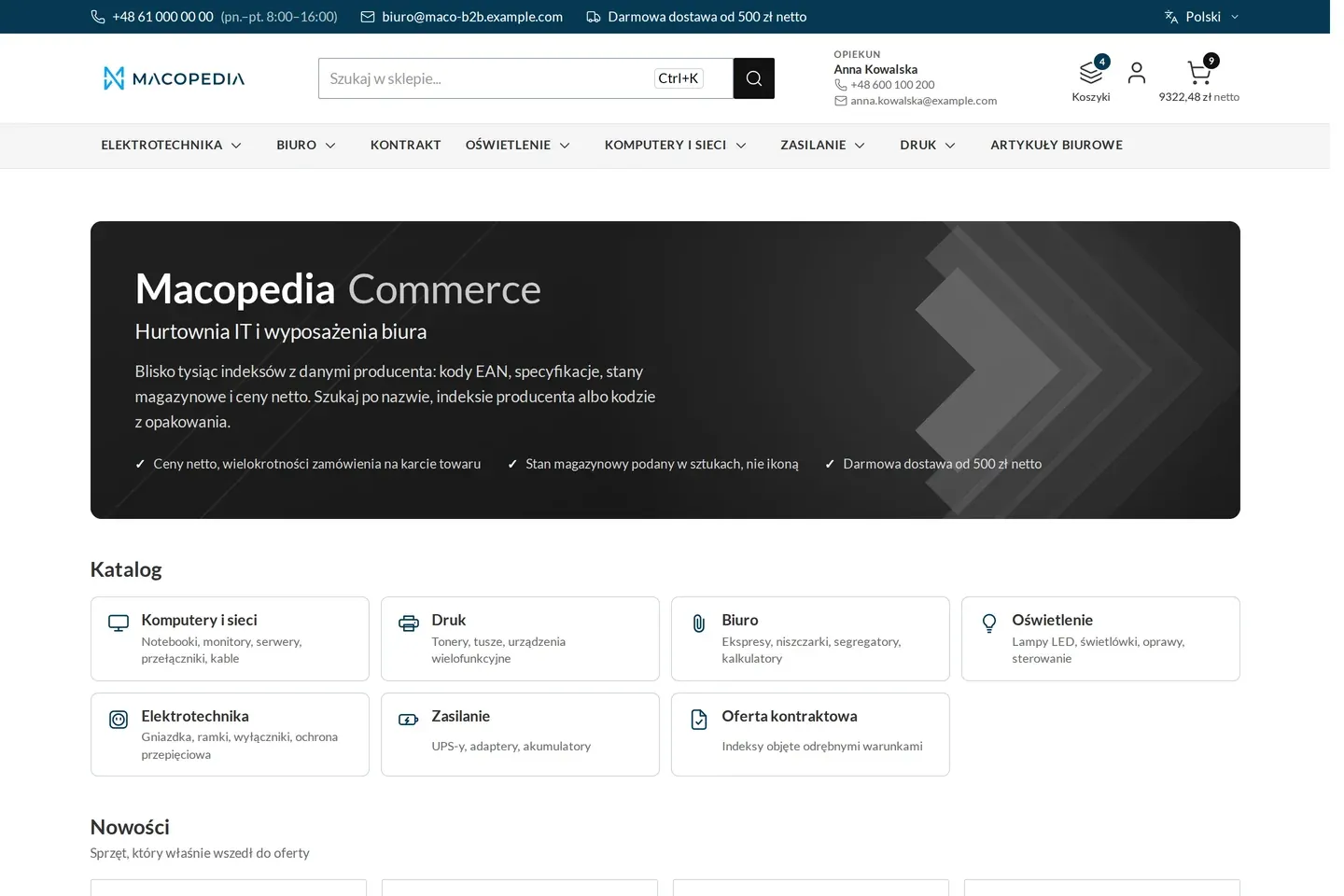
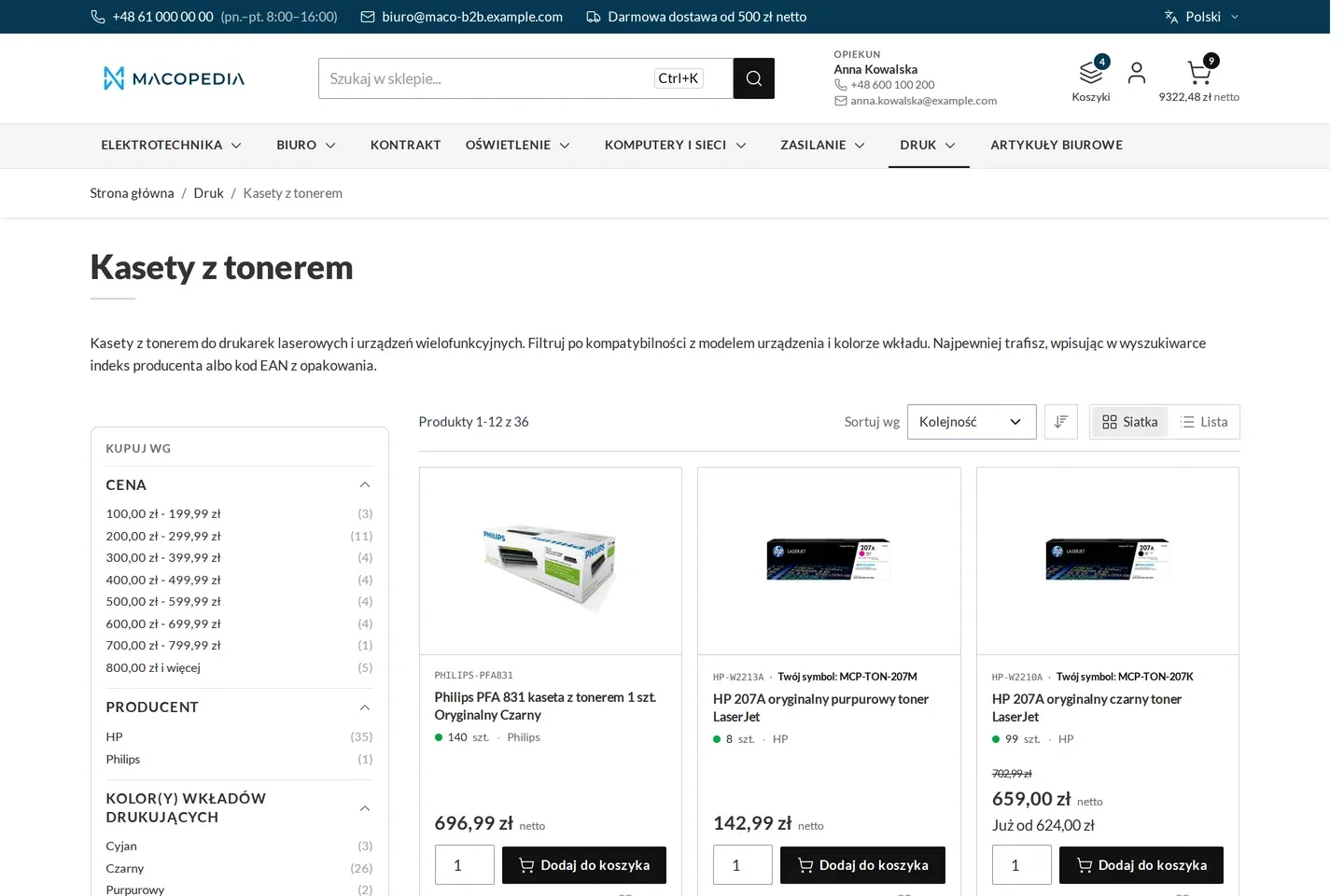
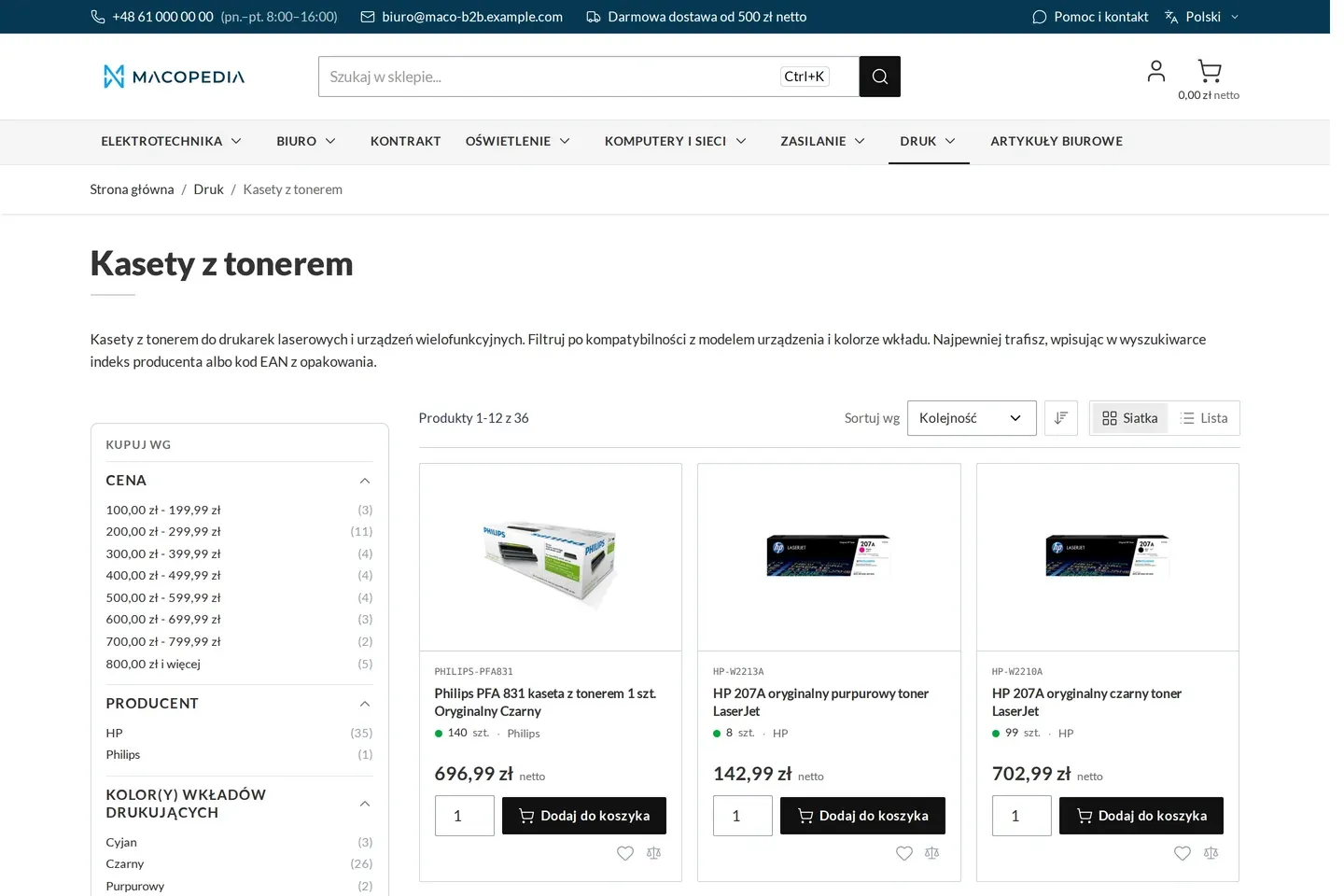
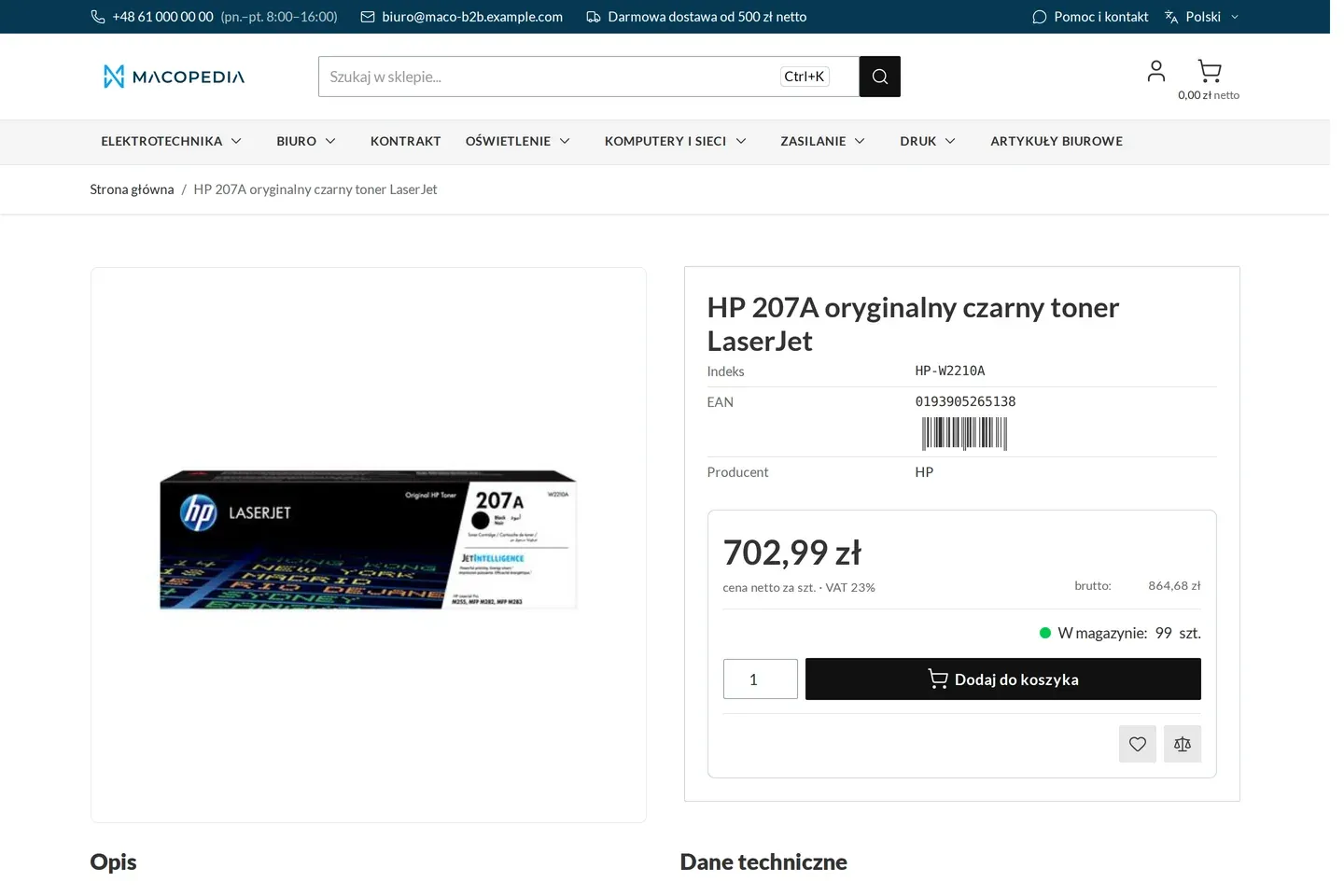
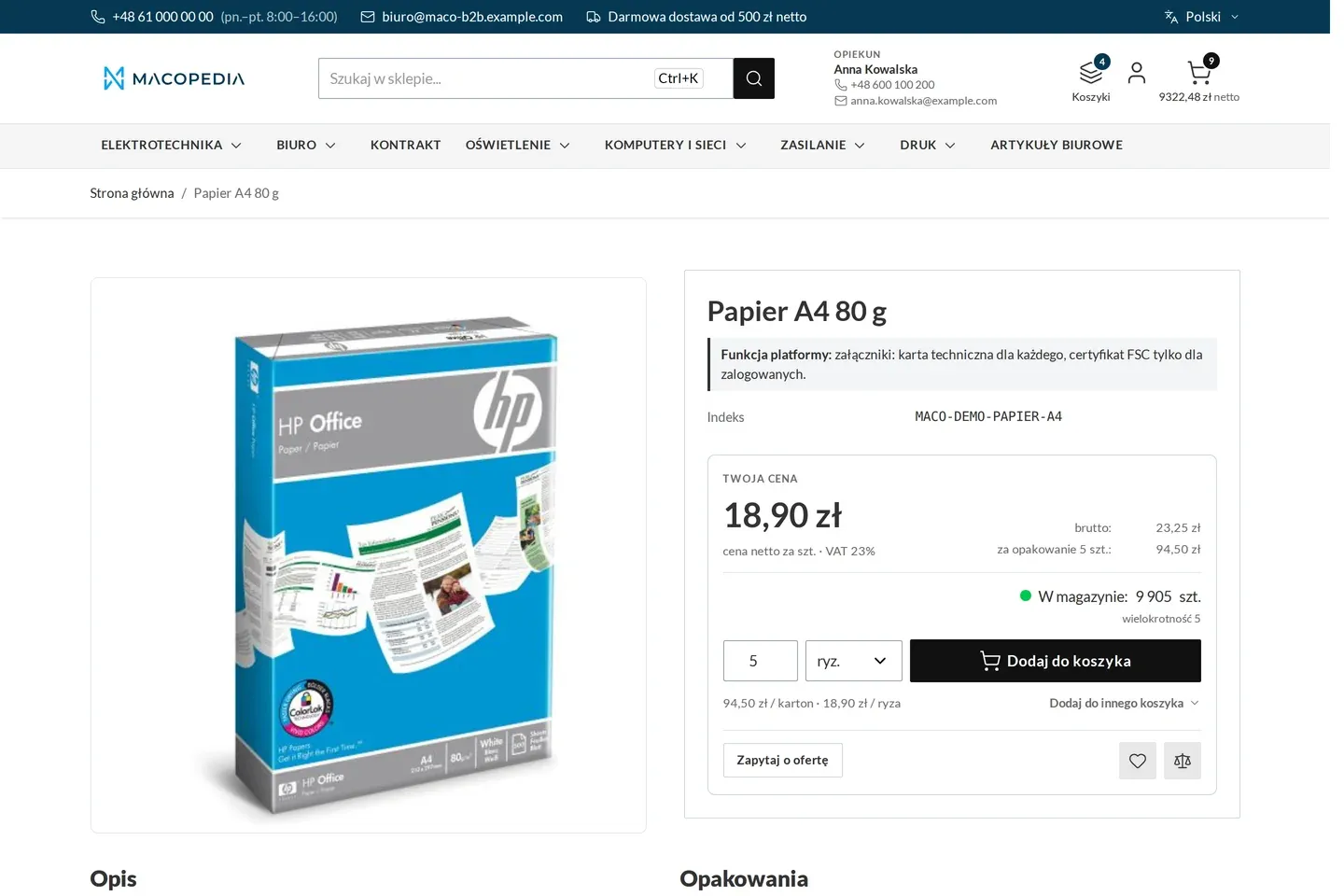
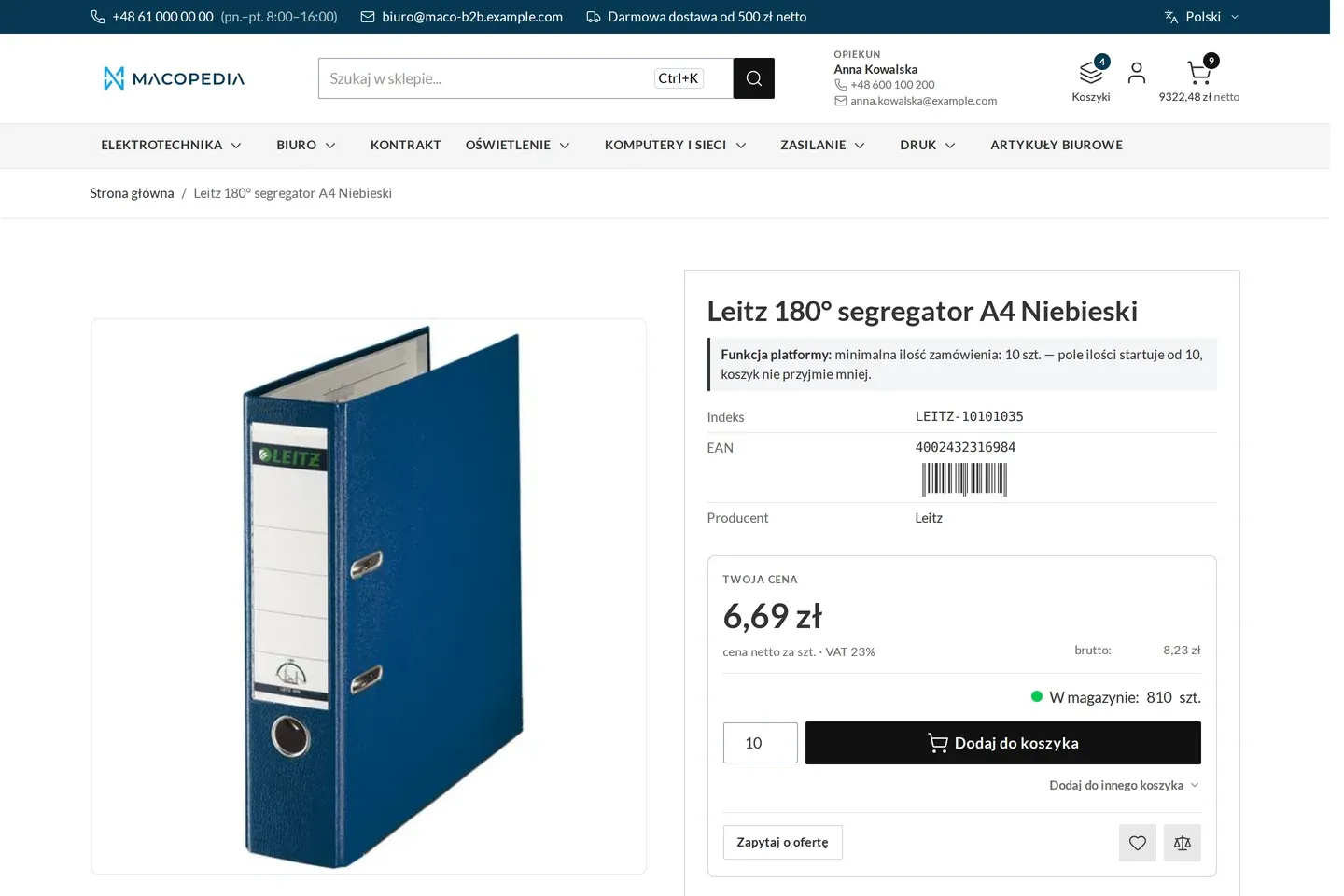
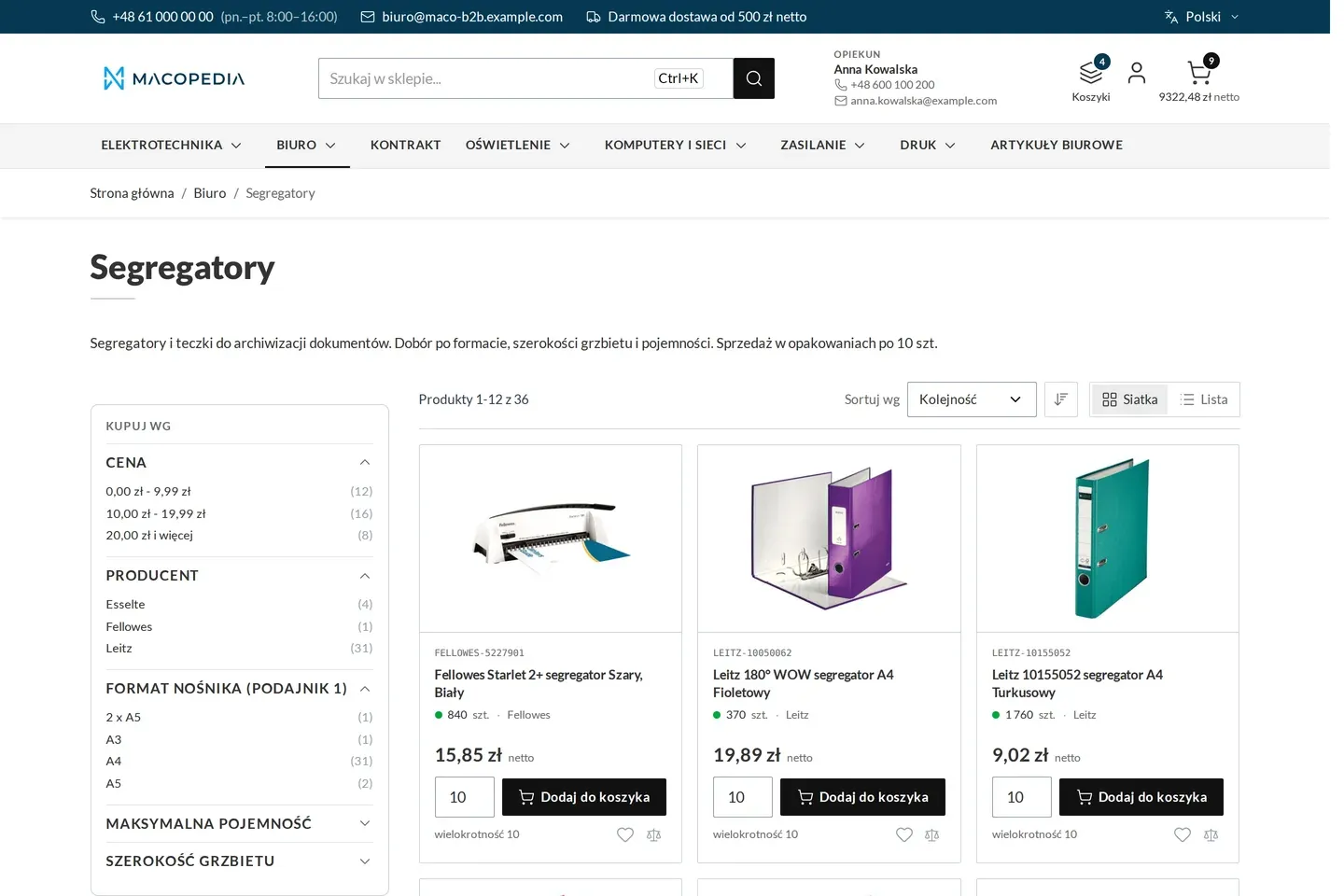
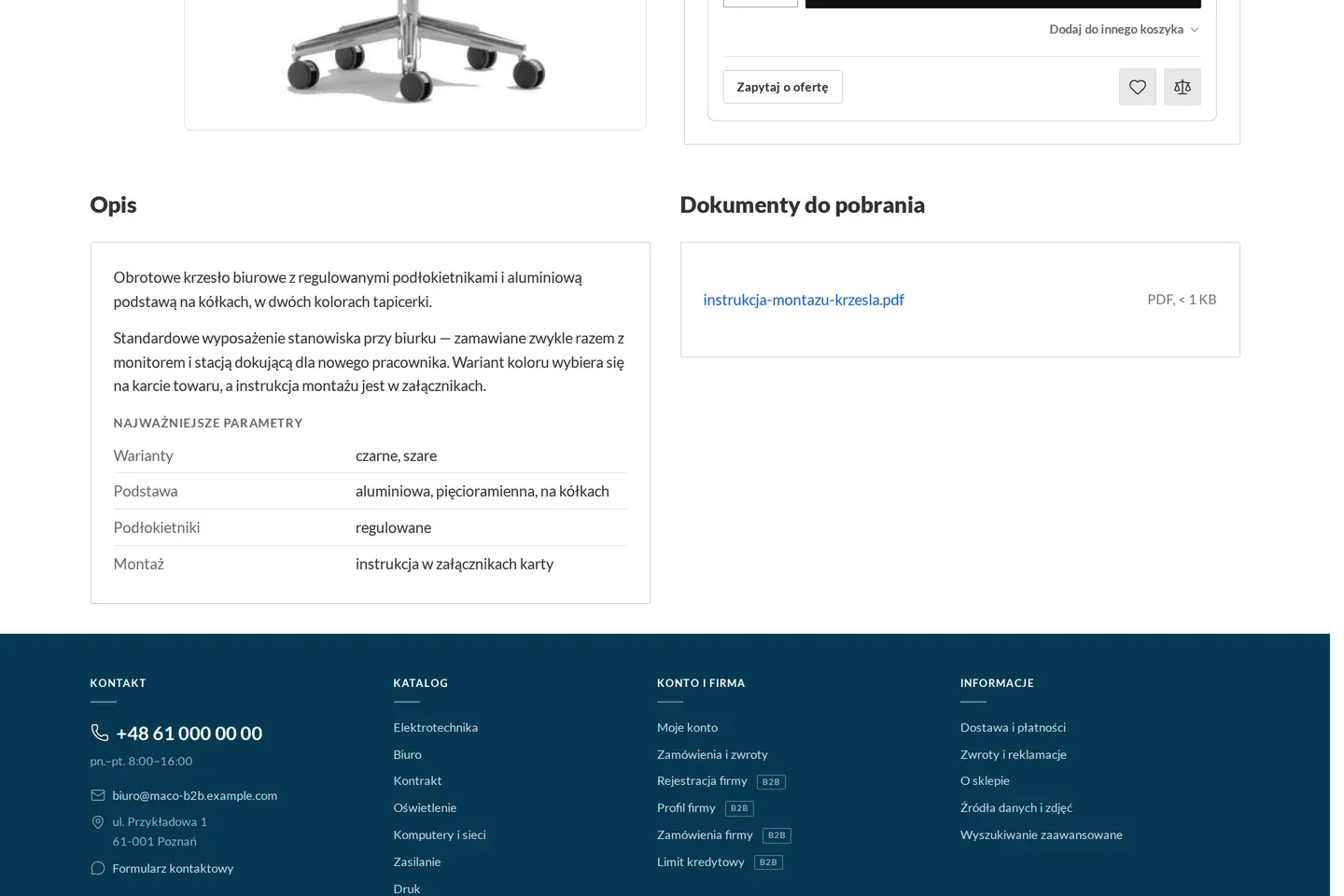
Store and catalogue 01 Wholesaler home page A store on Hyvä: category catalogue, new arrivals and net prices. A guest sees list prices, a signed-in buyer their own. Home page of a B2B wholesaler with a category catalogue and new arrivals 02 Signed in: account manager and carts in the header The buyer has their account manager with phone and e-mail in the header, plus the switcher for the company’s carts. Sales rep panel Multiple carts Wholesaler home page after a company buyer signs in, with the account manager and carts in the header 03 Product list with the company price Every product shows the price agreed with the buyer’s company and the company’s own code next to the seller’s. Contract pricing Company accounts Product list in a category with the buyer’s company price and their own product code 04 The same category as a guest Without signing in the store shows list prices. Company prices and codes appear only after signing in. Contract pricing The same category seen by a guest: list prices, no company prices 05 Product page with “your price” The company price list beside the struck-through list price, tier prices, the company’s own code, a cart picker and a request for quote in one place. Contract pricing Company accounts Multiple carts Quoting Product page with the company price, tier prices and the buyer’s own product code 06 Product page as a guest The same toner without signing in: list price, no company code and no request for quote. Contract pricing Product page seen by a guest, with the list price 07 Reams, cartons and pallets on one page Paper sold in reams, cartons of five and pallets: a unit picker at the quantity, a price per carton and a packaging table with EAN codes. Units of measure Order minimums Product attachments Product page of an item sold in reams, cartons and pallets, with a unit converter 08 Order minimum on the product page The quantity field starts at the minimum and the cart takes no less. The rule shows before adding, not after a call from the warehouse. Order minimums Product page with a minimum order quantity 09 Multiples on the list tiles Binders sold in tens: the ordering multiple is on the list already, so the buyer does not learn about it in the cart. Order minimums List of binders with the ordering multiple on the tiles 10 Documents to download on the product The assembly manual, datasheet or certificate sits on the product, with control over who sees it. Product attachments Product page with documents to download 11 The company’s contract shelf Items covered by the agreement with the company, gathered in one branch of the catalogue with contract prices and multiples on the tiles. Contract pricing Contract shelf with the prices agreed for the company 12 Search with filters Results by relevance, filters by category, price and manufacturer. The platform ships this, we configure it. Product search results sorted by relevance 13 To the cart straight from suggestions A buyer who knows the code adds the item to the cart from the suggestion list, without opening the product page. Quick order Search suggestions with an add-to-cart button Company account 14 Company registration: empty form The first field is the tax ID. Without a positive check in the register the application cannot be completed. B2B registration Empty company registration form with a tax ID field 15 Tax ID checked, data from the register After the check the name, address and region come from the register. The buyer adds only an e-mail and a phone. B2B registration Company registration form with data pulled from the register by tax ID 16 The buying company’s profile Company data, the invoice address and the account manager in one place. Fields kept in the ERP are read-only. Company accounts Sales rep panel Profile of the buying company with the invoice address and the account manager 17 Company employees and order thresholds The company administrator invites an employee by e-mail, assigns a role and a threshold per order, and switches off a leaver’s account. Company accounts Company employees with order thresholds, an invitation and a disabled account 18 Roles and permissions Each role is a list of permissions: see prices, request a quote, pay against credit, manage employees. The store checks them on every operation. Company accounts Company roles with a list of permissions 19 Company departments as a tree A unit is the cost dimension of an order. The buyer picks it at checkout and the cost lands on the right department. Company accounts Company structure: departments and teams as a tree 20 The company’s own product codes The company names products the way its own system does and uploads the list from a file. The codes work in search and in quick order. Company accounts Quick order The company’s own product codes with an import from file 21 Delivery address book Delivery addresses belong to the company, not to an employee. Each can be assigned to a department and set as default. Company accounts B2B shipping The company’s delivery address book with addresses assigned to units Ordering 22 Quick order: three ways in Type codes line by line, paste a list or upload a file. Nothing reaches the cart without the buyer’s confirmation. Quick order Quick order: typing codes line by line 23 A list recognised by code, company code and barcode Five lines ready, one suggestion to confirm. The store says how it recognised each line and moves everything to the chosen cart. Quick order Company accounts A pasted product list recognised by company code, seller code and barcode 24 The company’s named carts A separate cart for a project, the monthly order and a new office, each with a description, a value and a “make current” action. Multiple carts List of the company’s named carts with the current cart and actions 25 Cart switcher in the header All carts with their values are visible from any page of the store. A new cart takes one click. Multiple carts Cart switcher expanded in the store header 26 Cart with a name and net prices Lines in cartons and reams, company codes next to the seller’s, a net and gross summary. Multiple carts Units of measure Company accounts Cart with the current cart’s name and a net and gross summary 27 Orders of the whole company History with filters by the person who placed the order, by department and by the customer’s purchase order number. Company accounts Reorder Company order history with filters by person and unit 28 An order: who, for which department, under which number The order shows who placed it, in which unit and which purchase order number the customer’s accountants gave it. Company accounts Reorder B2B payments Order with who placed it, in which unit and under which customer number 29 Reorder into the cart of your choice A whole order from last month goes to the current or another cart, at today’s prices, with a report of what changed. Reorder Multiple carts Reorder with a choice of target cart 30 Checkout: address book and department Delivery to an address from the company book, the order booked to the chosen unit, the shipping cost known before placing. B2B shipping Company accounts Checkout: delivery from the company address book and a choice of the buying unit 31 Checkout: transfer with a term or trade credit Payment methods by company, the available credit shown at the choice, a field for the customer’s purchase order number. B2B payments Trade credit Company accounts Checkout: bank transfer with a payment term and purchase against the credit limit with the available amount Quotes and negotiation 32 The company’s requests for quote All requests in one place, each with a state: sent, quote ready, counter-proposal, rejected, expired. Quoting List of the company’s requests for quote in various states 33 A new request from the cart The buyer sends the cart as a request, adds their own number, a deadline and an expected price. The sales team gets it in a queue. Quoting A new request for quote sent to the sales department 34 Quote ready: list price, quote price, discount The second version from the account manager, the conversation underneath and three buttons: accept, propose changes, reject. The quote turns itself into an order. Quoting Sales rep panel Quote from a sales rep with the list price, the quote price, the discount and the conversation 35 The buyer’s counter-proposal The buyer changes quantities and enters expected prices in the quote, not in an e-mail. The account manager answers with another version. Quoting Quote in counter-proposal mode: the buyer changes quantities and expected prices 36 Third round waiting for the sales rep Every round has a version number and a date, and the whole conversation stays on the quote. Nobody searches an inbox for what was agreed. Quoting Quote after the buyer’s counter-proposal, waiting for the sales rep Finance and settlements 37 Buyer dashboard Right after signing in: the credit limit, the amount to pay with overdue items, quotes waiting for an answer and recent orders to repeat. Customer dashboard Trade credit Invoices and settlements Reorder Buyer dashboard: credit limit, settlements with overdue items, tasks and recent orders 38 Credit limit from the ERP Granted, used, held in open orders and available for new ones. One bar, two segments, the time of the last update from the accounting system. Trade credit Credit limit: granted, used, held in open orders and available 39 Company settlements Amount to pay, overdue items and the next due date on top; below, invoices, corrections and delivery notes from the ERP with payment status. Invoices and settlements Company settlements: amount to pay, overdue items and a list of invoices, corrections and delivery notes 40 Overdue invoices only One filter and the customer’s accountants see what is overdue, with number, amount and due date. Invoices and settlements Settlements filtered to overdue invoices 41 Overdue invoice with transfer details Amount to pay, days overdue and transfer details to copy in one click. The account number on the capture is made up. Invoices and settlements Overdue invoice with the amount to pay and transfer details 42 Partly paid invoice The remaining amount, the due date and the linked order. The payment status comes from the ERP; the store only shows it. Invoices and settlements Partly paid invoice with the remaining amount 43 Correction linked to its invoice A correcting invoice for returned goods, linked to the corrected invoice and to the order. Invoices and settlements Correcting invoice linked to the corrected invoice 44 Delivery note on the order A delivery note without amounts, linked to the order and downloadable as PDF. Invoices and settlements Delivery note linked to an order Seller panel 45 B2B companies in the admin panel The customer list with tax ID, register verification status, ERP link and the branch’s payer. Company accounts B2B registration Admin panel: list of B2B companies 46 Company record: commercial terms Price group, account manager, blocks, trade credit and unverified register data, with an explanation next to every field. Company accounts Trade credit Contract pricing Admin panel: company record with commercial terms 47 Account managers Sales reps with photo and contact details, which the buyer sees in the store header. Portfolios are assigned here. Sales rep panel Admin panel: account managers 48 Request-for-quote queue Customer requests with status and the customer’s reference. A new quote for a customer starts from their e-mail. Quoting Sales rep panel Admin panel: request-for-quote queue 49 Pricing a line: discount or negotiated price The sales rep sees the customer price and the expected price, enters a percentage discount or a negotiated price and a note for the customer on the line. Quoting Sales rep panel Admin panel: quote with a negotiated price and a discount on the line 50 Confirming company orders Company orders customer service has to confirm, with buyer, unit, value and waiting time. Company accounts Sales rep panel Admin panel: confirming company orders 51 Companies’ product codes Customers’ own product codes with their origin: entered by the company, assigned by the seller or sent from the ERP. Company accounts Admin panel: companies’ product codes